New: Nano Banana 2 & GPT Image 2

Try it

Updated 2026-11-16

Photo to Sketch: Pencil, Charcoal and Ink with AI

Photo to sketch in one prompt: EditPic redraws your picture as a sketch with graphite shading, cross-hatching or crisp ink lines on paper-white. Portraits, pets, still lifes and street scenes all work, and you decide how light or dark the sketch should be.

Photo to sketch examples

Eight subjects sketched with different techniques, from fine line art and graphite to hatching, ink and a woodcut print. Drag the slider on the first card; the other cards show the source photo beside the finished sketch. Copy any prompt into the photo to sketch editor and swap in your own picture.

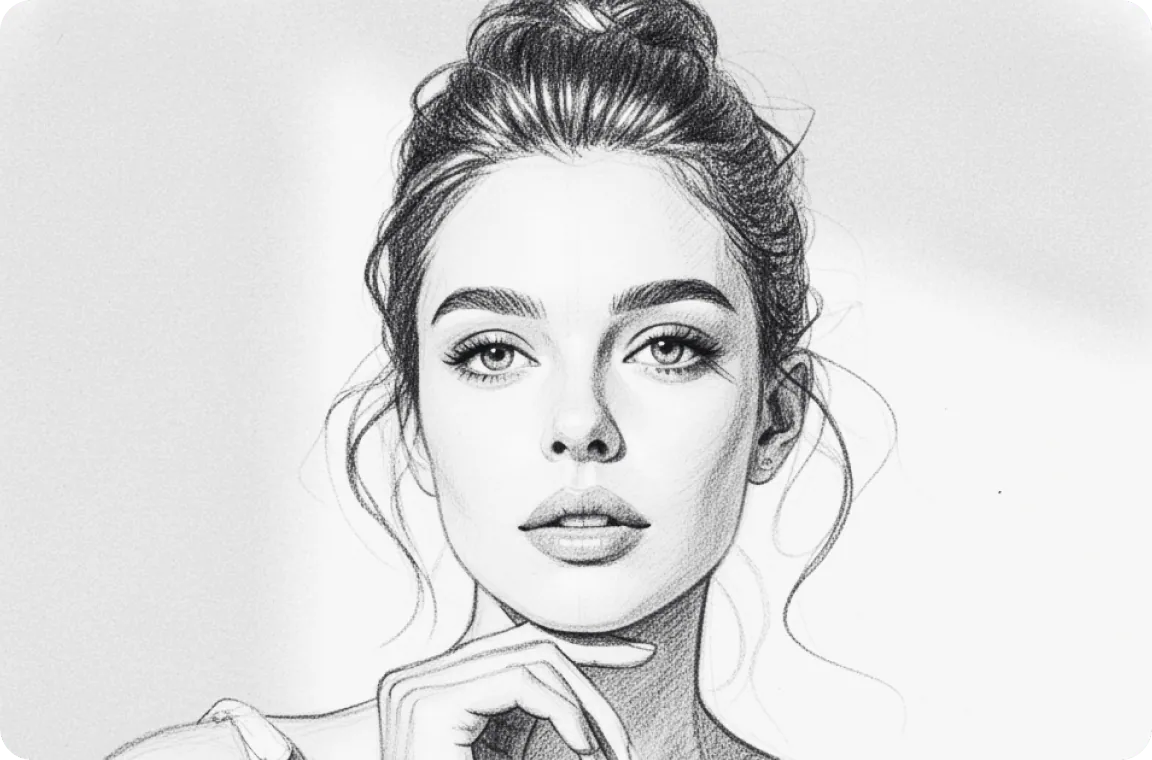
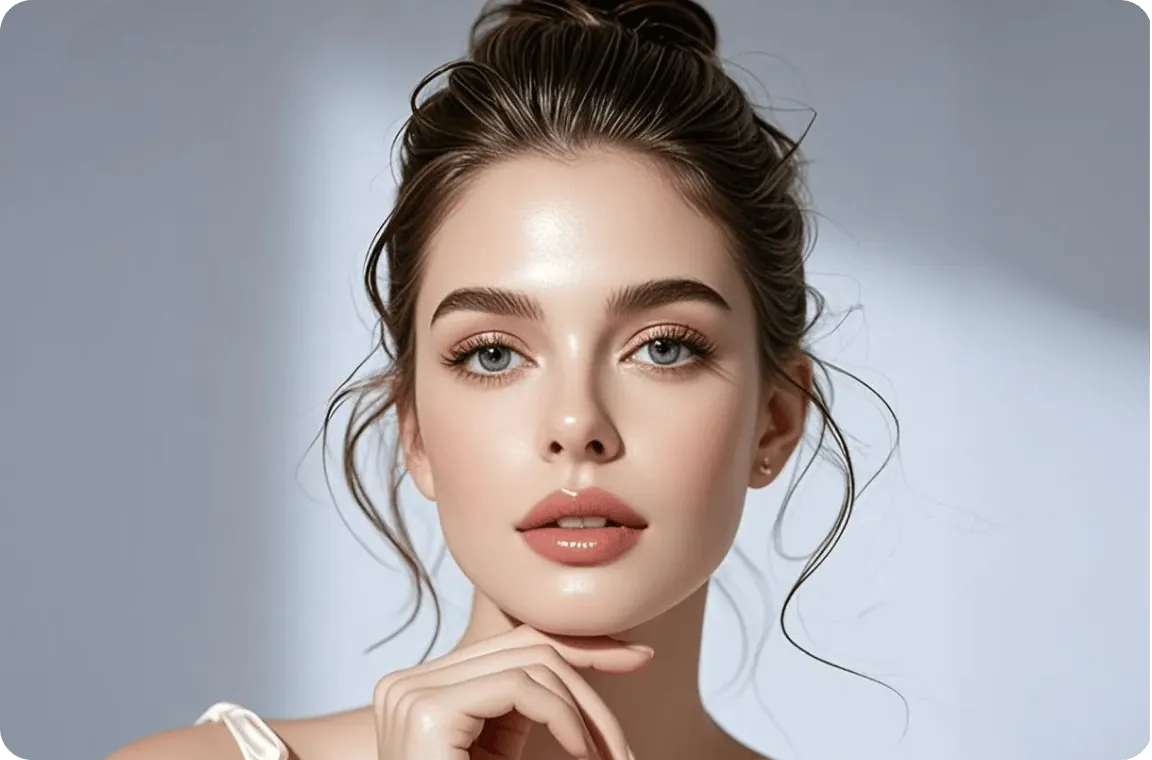
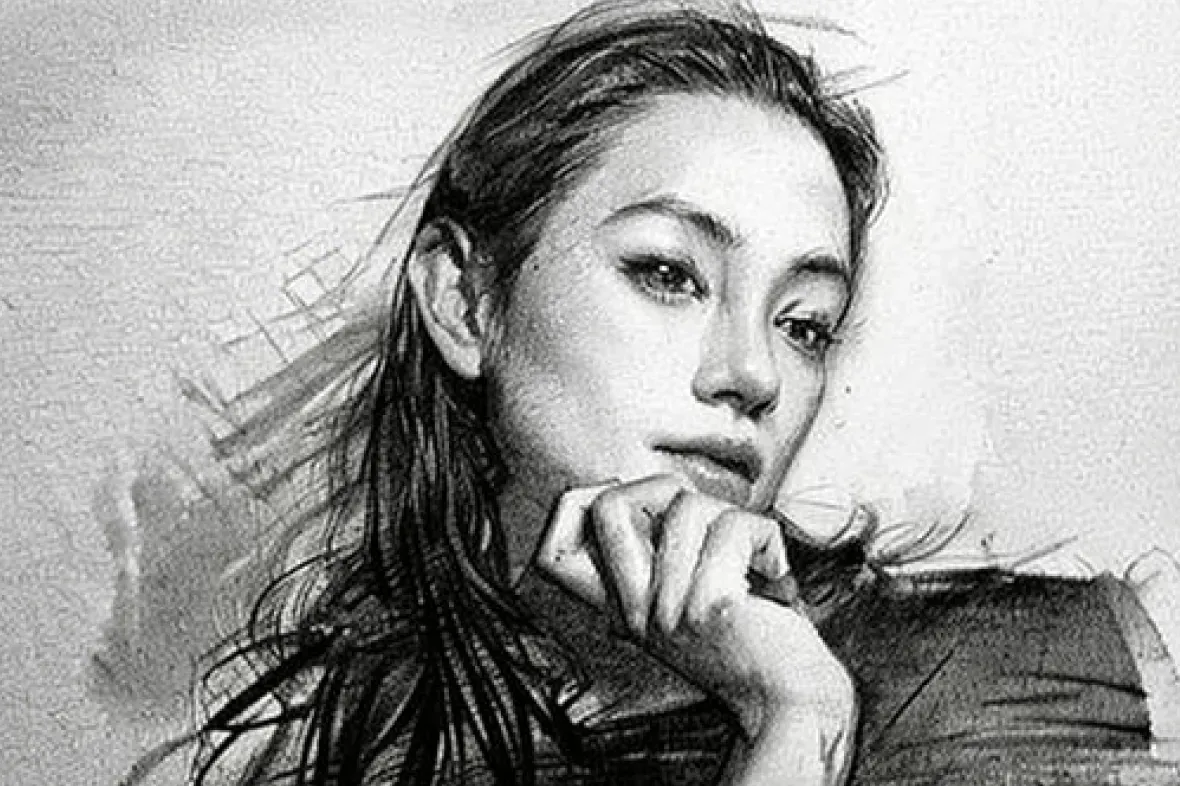
  • Close-up of a woman with an updo and her hand under her chin, photo to sketch in clean pencil lines — AfterClose-up of a woman with an updo and her hand under her chin, photo to sketch in clean pencil lines — Before

    Beauty close-up as a clean line sketch

    “Redraw this close-up portrait as a clean pencil line sketch with only light shading: thin strokes for the loose wisps of hair, defined brows and lips, and the background left as white paper.”

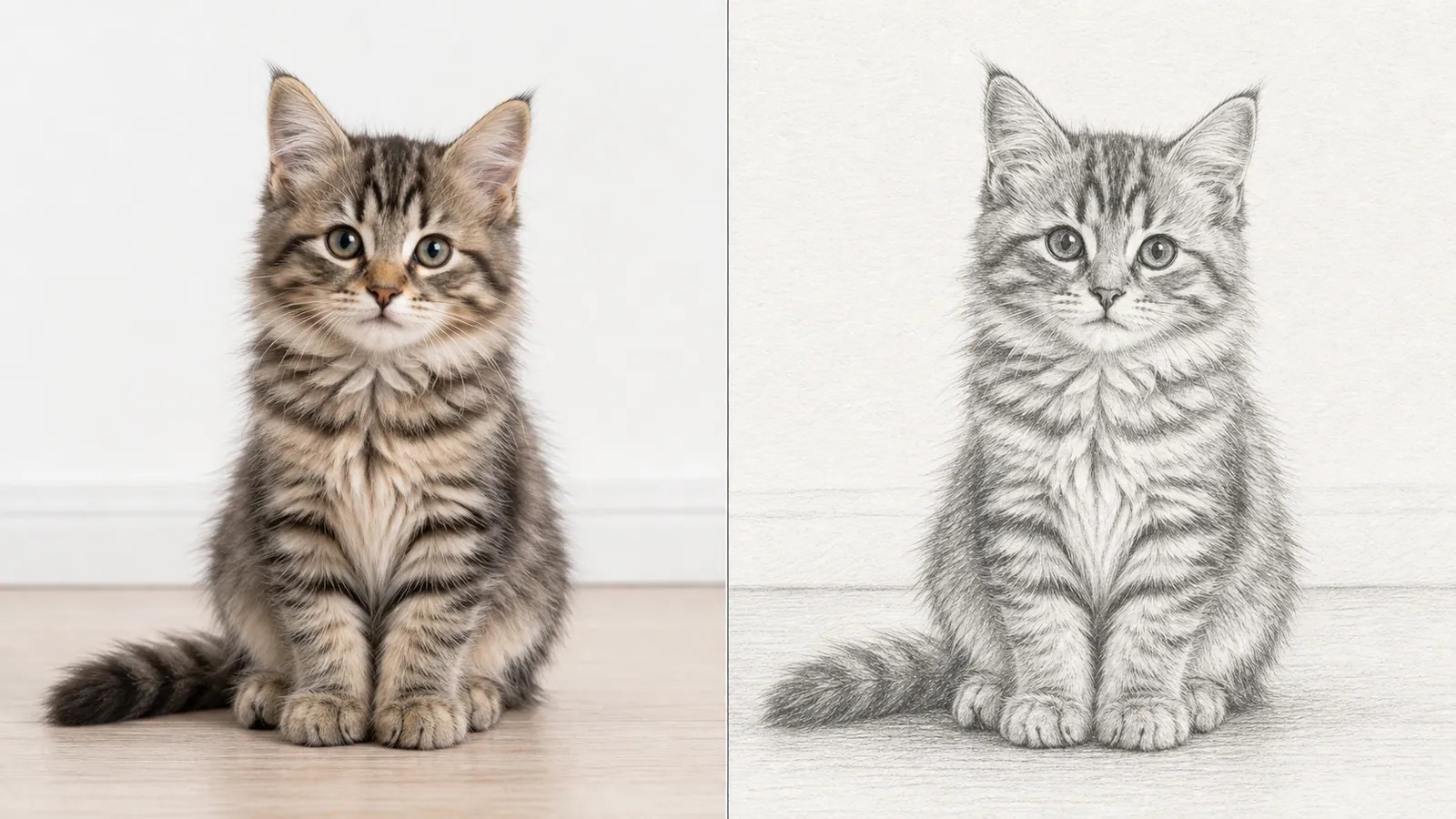
  • Tabby kitten photo next to a detailed pencil sketch

    Tabby kitten sketch with fine fur strokes

    “Sketch the kitten as a detailed pencil study, using short, fine strokes for the striped fur and leaving the background as plain paper.”

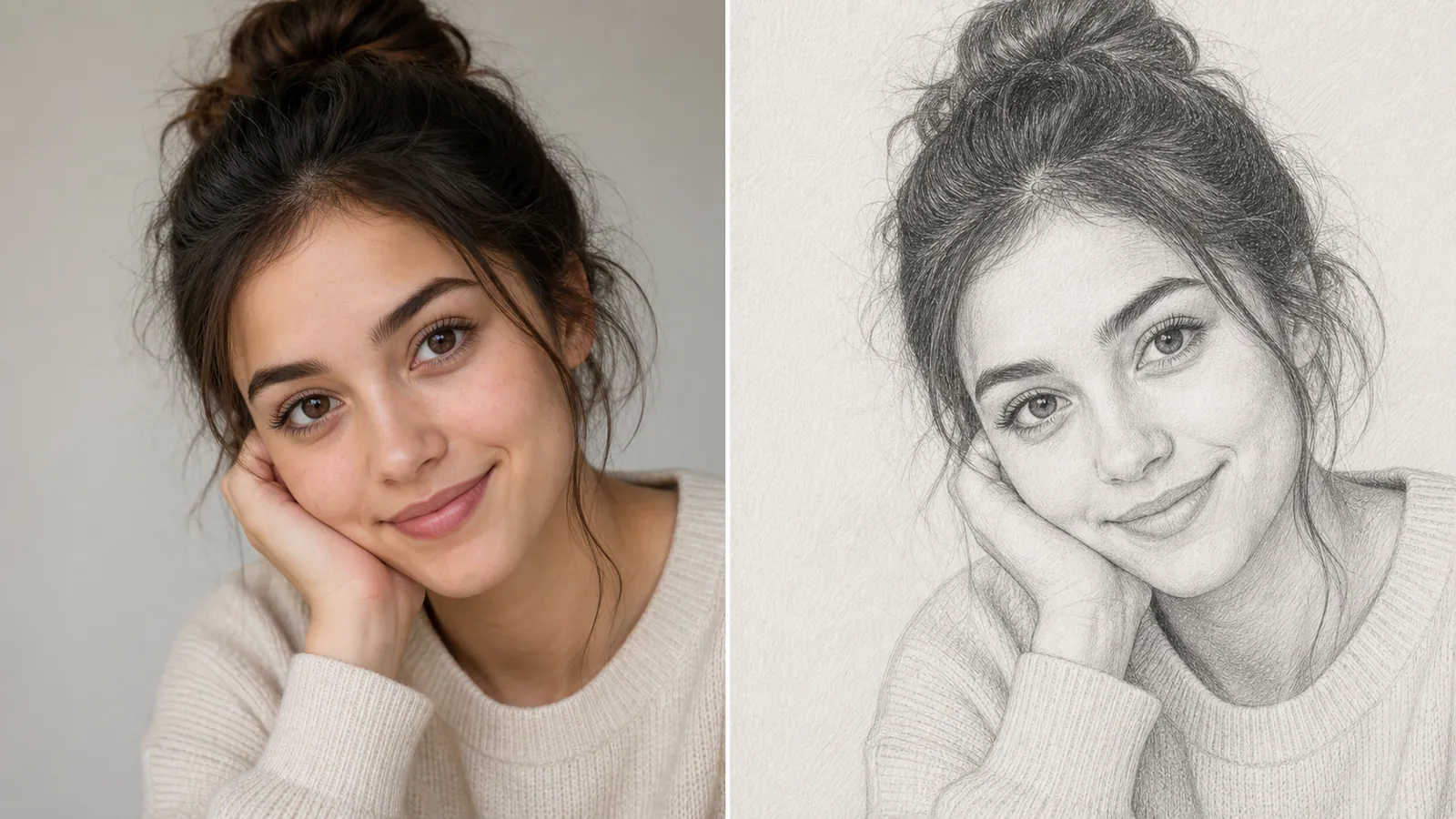
  • Young woman resting her cheek on her hand, photo and graphite pencil sketch

    Portrait in soft graphite

    “Sketch this portrait in soft graphite. Keep the loose bun, the hand on her cheek and the knit sweater, with light shading and visible pencil strokes.”

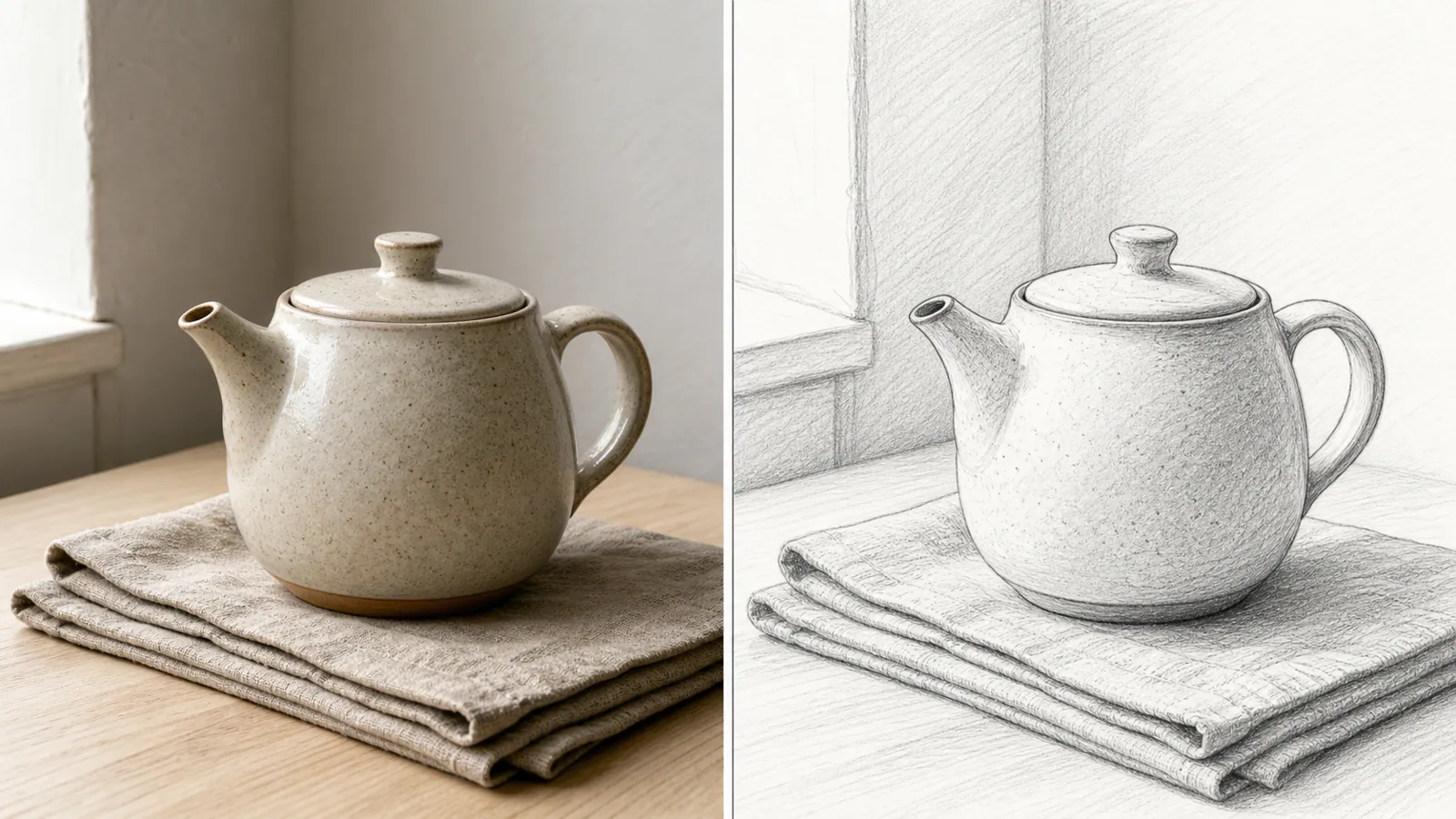
  • Ceramic teapot on folded cloth turned into a hatched pencil sketch

    Teapot still-life sketch with hatching

    “Make a pencil still-life sketch of the teapot on the folded linen, with gentle cross-hatching in the shadows and daylight coming from the window on the left.”

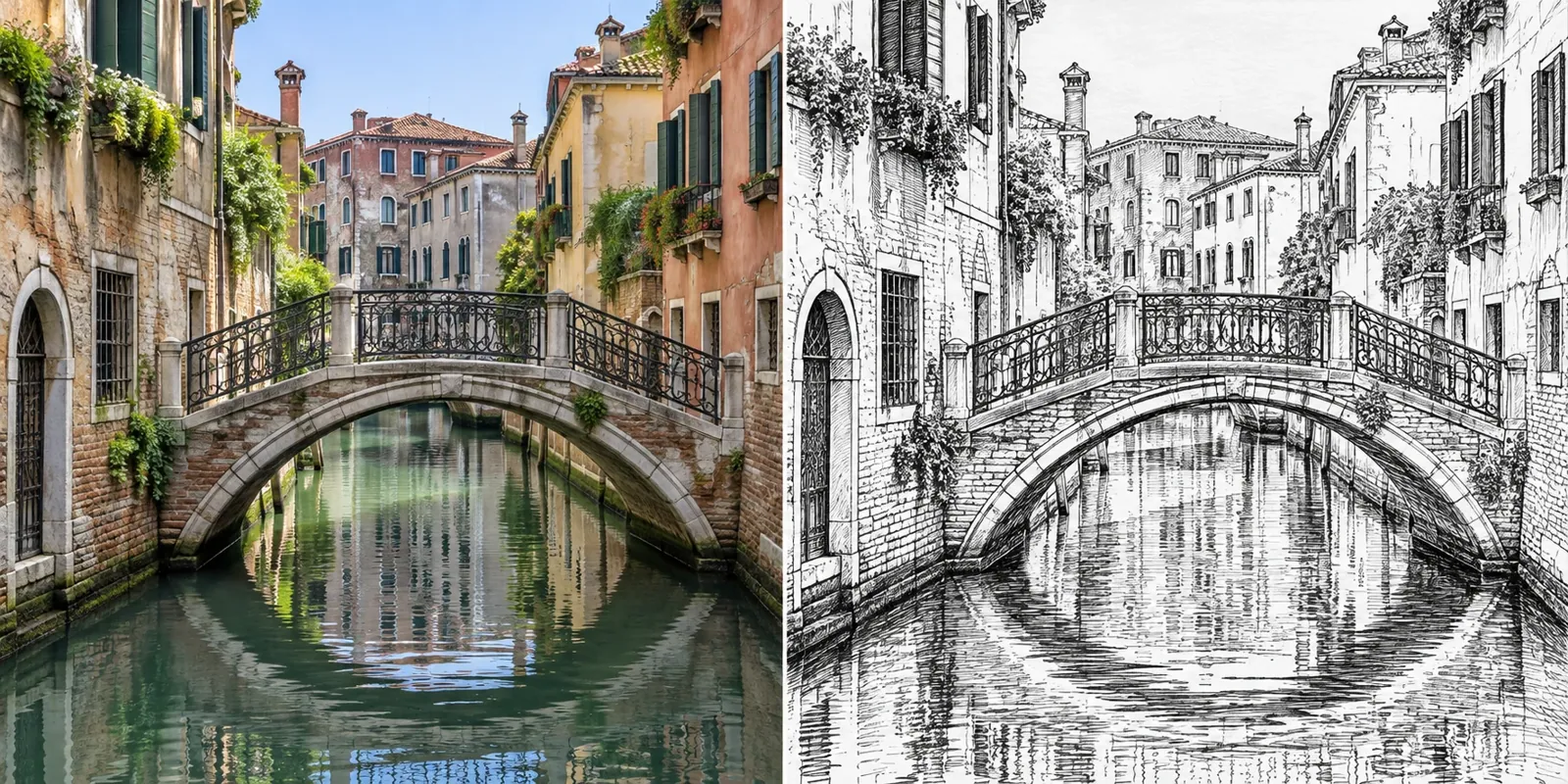
  • Stone bridge over a canal, color photo beside a black ink sketch

    Canal bridge in pen and ink

    “Redraw this canal scene as a black ink line sketch with crisp outlines, cross-hatched walls and horizontal strokes for the reflections in the water.”

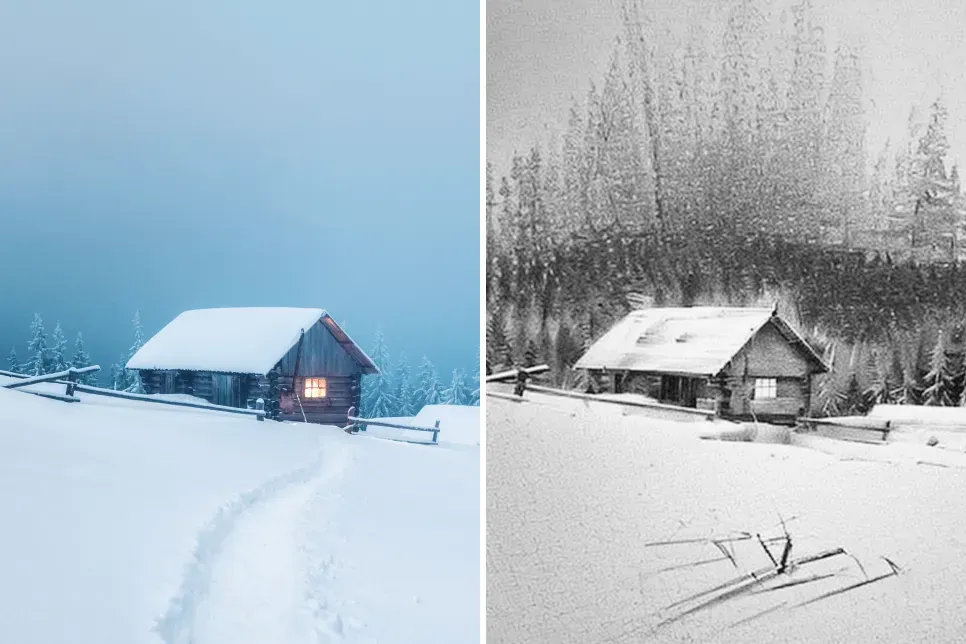
  • Wooden cabin in deep snow, blue-toned photo next to a soft pencil sketch

    Snowy cabin in soft pencil

    “Sketch this winter cabin in soft pencil, with dense vertical strokes for the misty pine forest, a few lines for the fence and footprints, and the snow left almost white.”

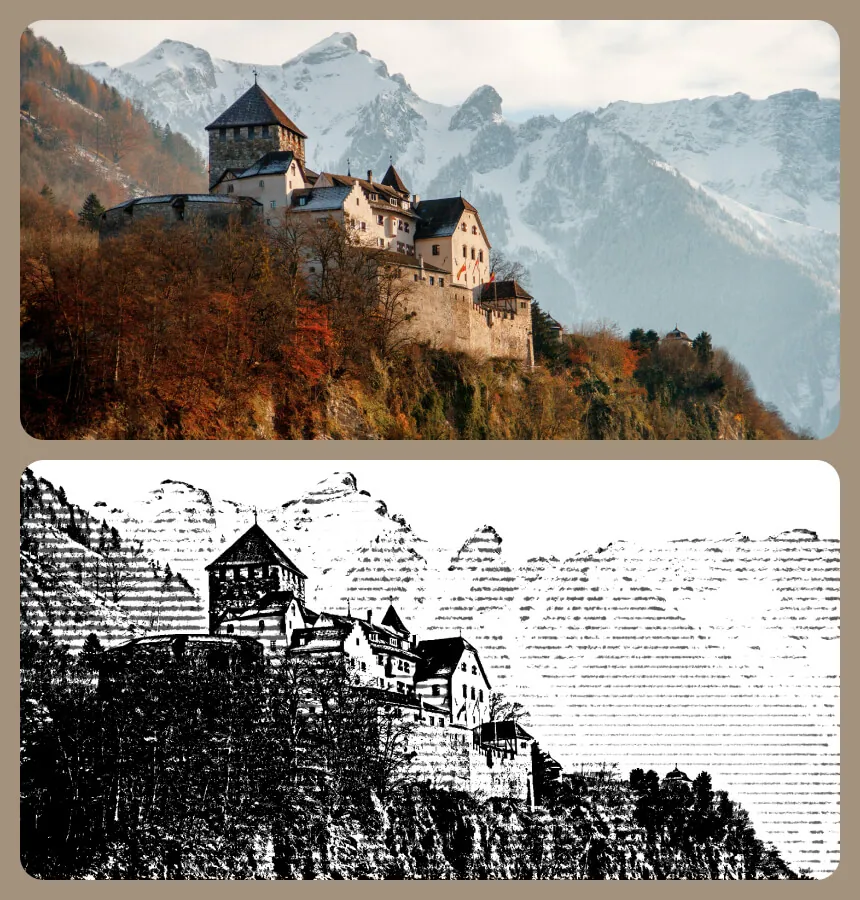
  • Castle on a wooded cliff below snowy peaks, photo above a black and white woodcut version

    Hilltop castle as a woodcut print

    “Convert this castle on the cliff into a high-contrast black and white woodcut, using parallel carved lines for the sky and mountains and solid black for the rocky slope.”

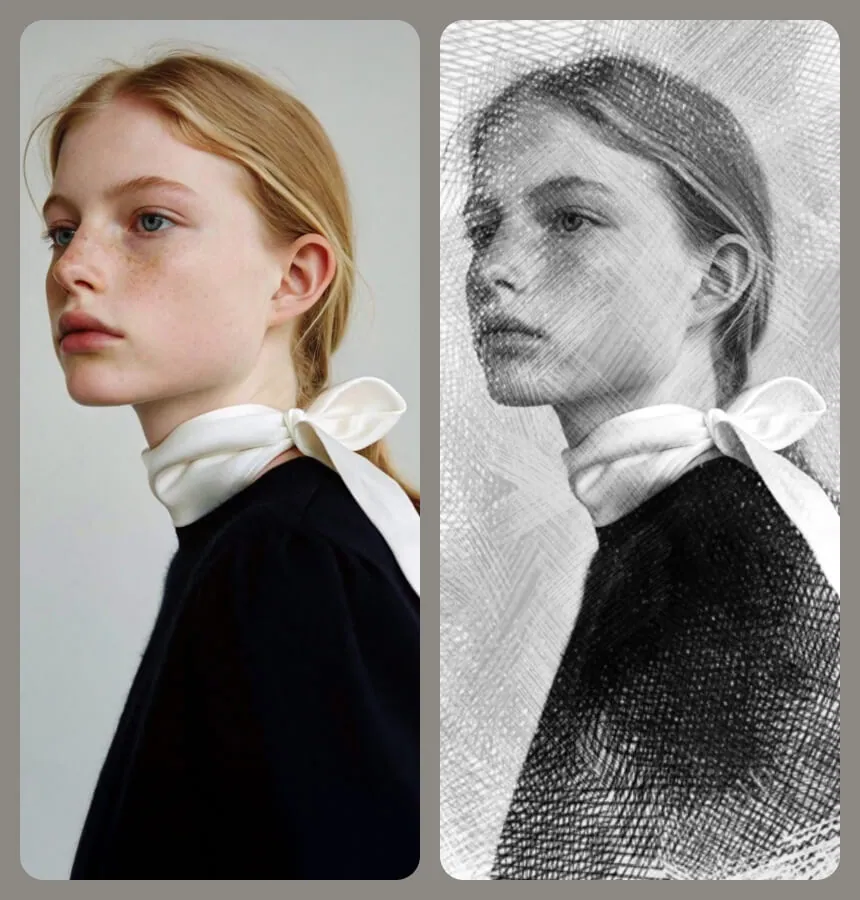
  • Young woman in profile with a white bow at her neck, photo beside a cross-hatched sketch

    Side profile in engraved cross-hatching

    “Sketch this profile portrait with fine engraving-style cross-hatching: dense hatching for the black top, lighter strokes on the skin, and keep the white bow at her collar crisp.”

Example images are for illustration only. Each prompt is a starting point for a similar edit on your own photo.

How to convert photo to sketch

  1. Step 1

    Pick a photo with clear contrast

    A sketch lives on light and shadow, so a picture with one clear light source gives the best photo to sketch result. Upload it in JPG, PNG or WebP format, no larger than 20 MB.

  2. Step 2

    Set the medium and the detail

    Keep the pencil prompt or change the medium: charcoal for dramatic tones, ink for clean lines, colored pencil for a hint of color. Say how much detail the sketch should carry.

  3. Step 3

    Sketch, compare, adjust

    Click Edit Image to create the sketch. Too dark or too busy? Ask for “lighter shading” or “fewer background lines” and run the photo to sketch edit once more.

Photo to sketch prompts by drawing technique

Ten photo to sketch prompts that each pair one kind of subject with one sketching technique. Paste a prompt, upload a matching photo and make the sketch lighter or darker to taste.

  1. 01

    Charcoal portrait sketch on toned paper

    Redraw this portrait as a dramatic charcoal sketch on toned gray paper, with deep smudged shadows, a few white chalk highlights on the forehead and cheekbones, and loose, unfinished strokes toward the edges.

  2. 02

    Architect's building sketch

    Turn this building photo into an architect's pencil sketch with straight ruled lines, faint construction lines left visible, careful window details and soft hatching only on the shaded side of the façade.

  3. 03

    Dog in colored pencil

    Sketch this dog in colored pencil on cream paper, layering warm browns and golds for the coat, with visible pencil texture, crisp whiskers and the background left mostly bare.

  4. 04

    Urban sketch in fine pen

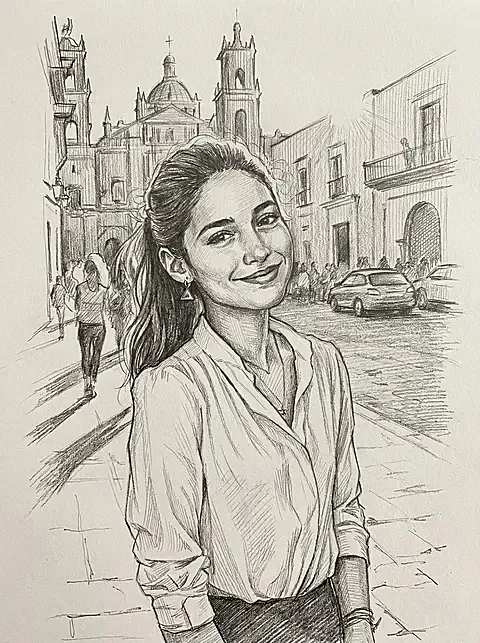
    Turn this street corner into a quick urban sketch in fine black pen, with loose, slightly wobbly lines, simplified people and cars, and dense hatching only under the awnings and inside the doorways.

  5. 05

    Fashion design sketch

    Redraw this outfit photo as a fashion design sketch: an elongated figure, confident pencil outlines, fabric folds suggested with a few strokes, light shading on the clothes and a face kept minimal.

  6. 06

    Botanical graphite study

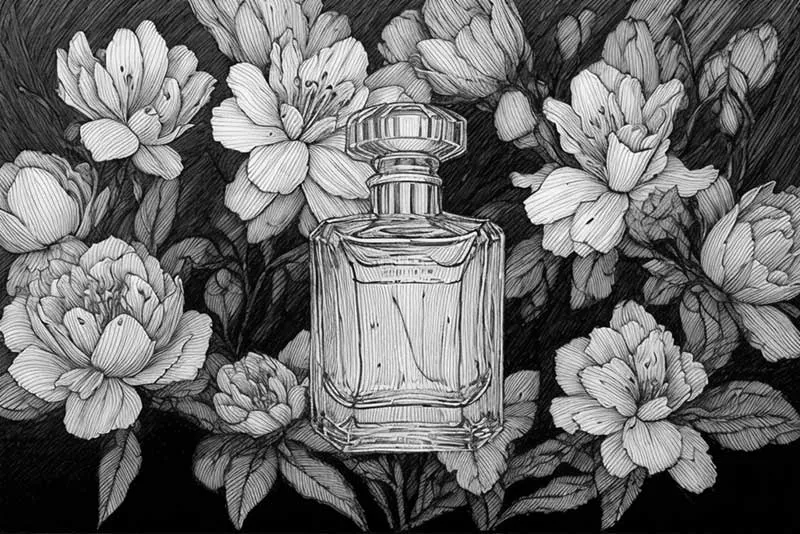
    Make a botanical graphite sketch of this flower, with precise outlines for each petal and leaf, fine stippled shading and the stem drawn as if on a page from a naturalist's notebook.

  7. 07

    Technical car illustration

    Draw this car as a technical pencil illustration with clean, even contours, sharp highlights on the chrome, soft reflections in the windows and a simple cast shadow under the wheels on white paper.

  8. 08

    Detailed coloring page for adults

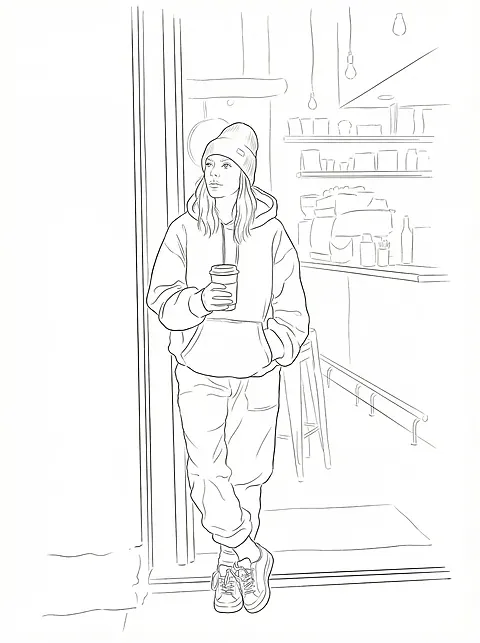
    Turn this garden photo into a detailed coloring page for adults: crisp black outlines for every leaf, flower and paving stone, no shading or gray areas, and a pure white background.

  9. 09

    Tattoo stencil outline

    Convert the main subject of this photo into a tattoo stencil: single-weight black linework, closed shapes, no gray shading and nothing in the background, simple enough to transfer onto skin.

  10. 10

    Gesture sketch of a dancer

    Turn this dance photo into a quick gesture sketch in soft pencil: flowing, searching lines that follow the movement, barely any detail in the face and hands, and plenty of blank paper around the figure.

Where a photo to sketch version comes in handy

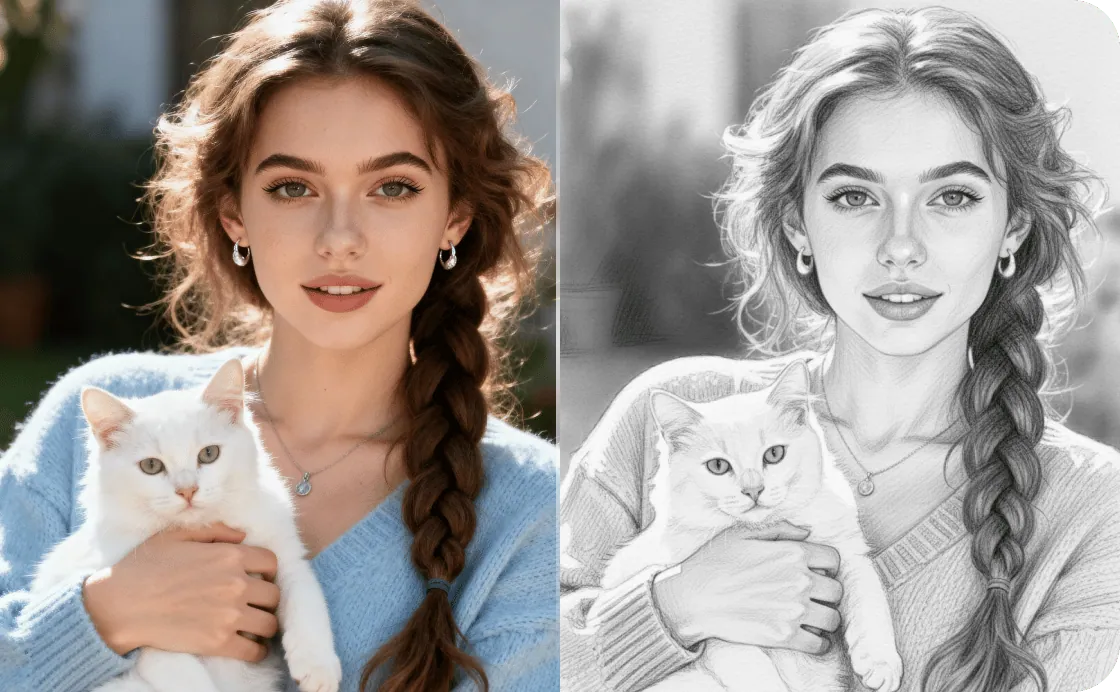
  • Woman holding a white cat, photo and detailed pencil sketch side by side

    Gifts with a handmade feel

    Frame a pencil sketch of a grandparent, a partner or a much-loved pet, or print it inside a card; the hand-sketched look feels personal without commissioning an artist.

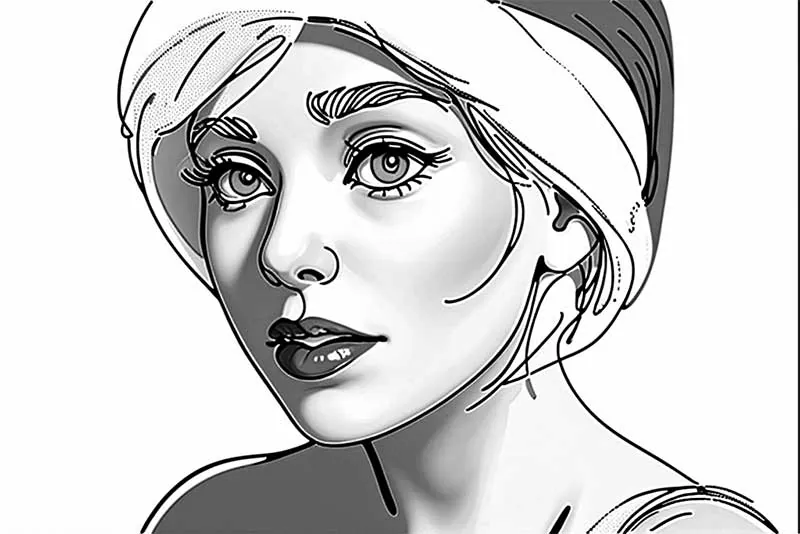
  • Black and white line-art sketch of a woman in a head wrap with bold outlines

    Tattoo and art references

    Reduce a photo to a clean outline sketch you can trace, hand to a tattoo artist or use as the underdrawing for your own painting.

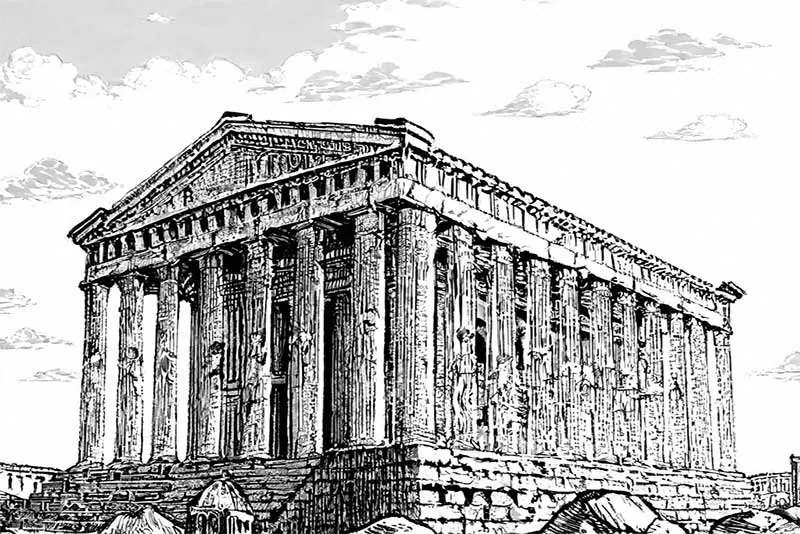
  • Ancient Greek temple drawn as a detailed black and white woodcut-style illustration

    Travel journals and menus

    Turn favorite buildings and streets into ink sketches for a travel journal, a blog header or a café menu with a hand-drawn style.

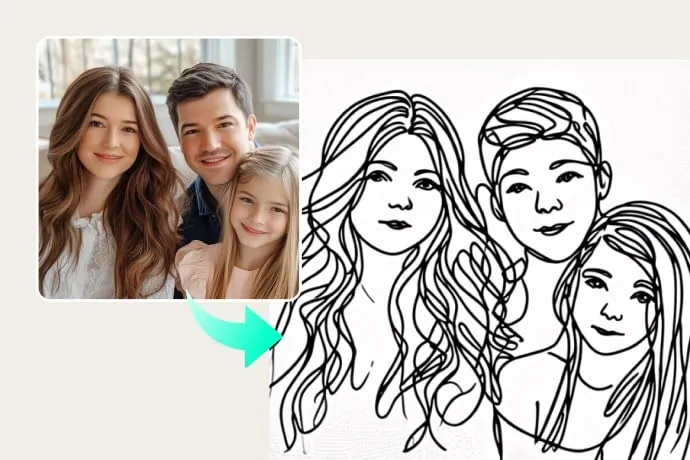
  • Family selfie next to a simple black line sketch of the three faces

    Coloring pages for kids

    Ask the photo to sketch tool for bold black outlines with no shading, and a family photo or a pet picture becomes a coloring page you can print at home.

Tips for a cleaner photo to sketch result

  • Side lighting gives the strongest pencil shading; flat, on-camera flash makes a sketch look washed out.
  • Keep the background simple, or ask the AI to “leave the background as blank paper” when the scene is busy.
  • Stick to one medium per prompt (graphite, charcoal, ink or colored pencil) so the strokes in the sketch look consistent.
  • For line art you can trace, request “outlines only, no shading, even line weight”.
  • Crop away empty sky or floor before the photo to sketch edit: a sketch reads best when the subject fills most of the frame.
  • Use pictures you own or have permission to edit, especially portraits of other people.

Which model to use to convert photo to sketch

Start with the first pick for most photo to sketch jobs; switch when a sketch needs finer texture or a whole set has to match.

  • Nano Banana 2

    Google

    A solid default for portraits, pets and everyday scenes: fast, good quality, and it keeps the same person consistent when you sketch a series, such as one portrait of each family member.

    About Nano Banana 2
  • Nano Banana Pro

    Google

    Choose it when texture is the point of the sketch: fine graphite grain, dense cross-hatching, fur, or a building with dozens of windows. It renders detailed scenes and lighting more carefully, at 1K or 2K output in EditPic.

    About Nano Banana Pro
  • Flux

    Black Forest Labs

    Made for sets that must match, like a menu, a coloring book or a travel journal. Flux keeps a steady style across images and sticks to what you describe, so line weight stays the same from one sketch to the next.

    About Flux

How a photo to sketch edit becomes a convincing drawing

The choices behind a good sketch: how tones become marks, which medium to name, and how to rescue a sketch that went gray.

How photo to sketch turns gray tones into pencil marks

A sketch has no gray pixels to borrow, only marks on paper. A photo to sketch model therefore translates tones: the brightest areas stay as bare paper, midtones become hatching or smudged graphite, and the darkest shadows turn into dense strokes or solid black. Edges become contour lines of varying weight, usually heavier where the subject meets shadow.

Much of the skill in a sketch lies in what gets left out, and your prompt controls that. “Vignette fading to white paper” keeps detail in the center and lets the edges dissolve. “Unfinished, loose outer strokes” makes it look sketched by hand. “Full tonal range, rich blacks” pushes it toward a finished study rather than a quick sketch.
Pencil, charcoal, ink or line art: picking the sketch medium

Graphite gives the widest range of soft grays and suits faces, pets and anything with gentle gradients. Charcoal is darker and dustier; it flatters dramatic lighting and bold features, especially on toned paper with white chalk highlights. Pen and ink cannot blend, so all shading comes from hatching, stippling or solid fills, which makes it ideal for buildings, streets and objects with hard edges.

Line art drops shading altogether and keeps only contours, which is what you need for tracing, coloring pages and stencils. Colored pencil sits between sketching and painting; name two or three colors to keep it restrained. If you are unsure, run the same photo to sketch edit once in graphite and once in ink, then compare.

When the sketch comes out muddy, flat or overworked

A gray, muddy sketch usually means too many midtones. Ask for “more white paper, fewer midtones, deeper darks” and the result gains punch. The opposite problem, a flat outline with no volume, clears up once you state a light direction: “light from the upper left, shading on the right side of the face”.

If the result looks like a black and white photo instead of a sketch, the prompt needs more about marks: “visible individual pencil strokes, paper grain, no smooth photographic gradients”. When the background steals attention, write “sketch only the person, the rest is empty paper”. Run every photo to sketch correction from the picture you first uploaded, so small distortions do not pile up round after round.

Before and after the sketch: cleanup, print and tracing

Clean up the picture before the photo to sketch step. Object Remover can take wires, bins or passers-by out of a street scene, and Photo Enhancer helps a soft phone picture keep its edges once it is converted. Clutter you leave in the photo usually comes back as extra lines in the sketch.

For printing, choose 2K output and use matte or textured art paper; glossy photo paper makes pencil look like a photocopy. A sketch printed at reduced opacity works as a tracing guide for your own drawing or for transferring onto canvas. Coloring pages print best when the prompt asked for a pure white background, because any gray tint wastes ink and looks dirty on the page.

A photo to sketch walkthrough: one portrait, three versions

Take an ordinary phone portrait of a friend by a window and run the photo to sketch edit three times from the same upload. First a quick sketch: “loose pencil lines, face lightly shaded, shoulders left as a few strokes”. Then a finished graphite study: “full tonal range, soft blending on the cheeks, hair drawn in groups of strands”. Finally clean line art: “outlines only, even line weight, no shading”.

Set the three side by side and their jobs become obvious. The quick sketch feels personal and suits a card. The graphite study is the one to frame. The line art is the version to trace, color in or hand to someone who will ink it. Most people keep two of the three, so it pays to run all of them before deciding.

AI sketch, sketch filter or drawing it yourself

Most sketch filters run an edge detector and darken whatever it finds. That is quick, but every line ends up the same weight, faces pick up noisy outlines around pores and stray hairs, and there is no real hatching. An AI sketch redraws the picture instead, deciding where a line should fade, where shading should be cross-hatched and which background details can go.

Drawing the portrait yourself, or paying an illustrator, still gives the most personal result, and nothing here replaces a trained hand. Where the photo to sketch tool helps is the first step: a reference with the proportions already right, a fast test of which medium suits the subject, or a run of matching sketches when there is no time to draw ten pages by hand.

Photo to sketch FAQ

  1. Can I convert photo to sketch for free?

    Create an account and you can try it free once. Every sketch after that spends credits, with the amount set by the model you choose and shown next to the Edit button before you run it.

  2. How is this photo to pencil sketch different from a filter?

    A filter traces edges and darkens them. Photo to sketch with AI redraws the whole picture in the medium you describe, so shading, hatching and paper texture make the sketch look hand-made. Mention graphite, paper grain and which areas stay white.

  3. Can photo to sketch make line art or coloring pages?

    Yes. Ask for clean black outlines, no shading and a white background. Thick, even lines suit coloring pages, while thin, varied lines suit tattoo stencils and design references.

  4. Does photo to sketch work on pets, products and buildings?

    It works on all three. Fur, ceramics, glass and stone translate well into a pencil or ink sketch. Name the texture you care about, like “fine fur strokes” or “sharp window frames”, to keep it in the sketch.

  5. Will a photo to sketch conversion keep a face accurate?

    Proportions, expression and hairstyle are usually preserved, though small details soften in a sketch. Start from a sharp, front-lit portrait and add “keep the face exactly as in the photo” when likeness matters most.

  6. Can I convert photo to sketch in color?

    Yes. Ask for colored pencil, or for a pen sketch with a few touches of color, and name the colors, such as “soft blues and ochre on cream paper”. Limiting the palette to two or three colors keeps it looking sketched rather than painted.

  7. Why does my photo to pencil sketch look too dark or gray?

    Dim or low-contrast originals give the model a lot of midtones to fill with graphite. Ask for “light shading, more white paper, darks only in the deepest shadows”, or start from a brighter photo. If only the background is heavy, ask for it to fade out to blank paper.

  8. Can I get a quick, loose sketch instead of a detailed drawing?

    Yes. Words such as “quick gesture sketch”, “few searching lines”, “unfinished” and “lots of blank paper” produce a looser study. Adding a sense of time, for example “sketched in five minutes”, also tells the model to leave out fine texture and background detail.

  9. What size is a photo to sketch result, and is the paper transparent?

    You download a regular image at 1K or 2K, in 1:1, 3:4, 4:3, 9:16 or 16:9. For an A4 or letter print, choose 2K and 3:4. The paper areas come out white rather than transparent, so place the sketch on a white page in your layout.

  10. Is photo to sketch useful for kids learning to draw?

    Yes, as a guide. Ask for simple outlines with no shading, print the sketch lightly and let children trace or copy it, then add their own shading. For younger kids, keep it to one big subject, such as a pet or a favorite toy, with thick lines.

  11. Which photos make the best pencil sketches?

    Sharp ones with one clear light source and a simple background: a portrait by a window, a pet in sunlight, a building in late afternoon. Night shots, heavy backlight and busy crowds give the photo to sketch model little contrast to turn into lines, so the sketch comes out flat or cluttered.

Turn a photo into a sketch

Upload a picture, pick pencil, charcoal or ink, and get a photo to sketch result that is ready to download.