











New: Nano Banana 2 & GPT Image 2

Try it

Updated 2026-11-16

AI Background Changer – New Background, Same Subject

EditPic’s background changer puts your subject in front of a new background: a city office, a beach, a café or a plain studio wall. Describe the background in one sentence and the AI matches light, perspective and shadows so the photo looks shot there.

Background changer examples

Portraits, a family snapshot, furniture, food, makeup and a leather bag, each given a new background. Slide to compare each pair, then send a prompt to the background changer to change background in photo uploads of your own.

  • Smiling woman in a navy blazer with a city skyline office background behind her — AfterSmiling woman in a navy blazer with a city skyline office background behind her — Before

    Home office background swapped for a city view

    “Replace the home office background behind the woman with a high-rise office and floor-to-ceiling windows over the city. Keep her face, smile, blazer and desk the same.”

  • Family of four moved from a backyard lawn to a tropical beach — AfterFamily of four moved from a backyard lawn to a tropical beach — Before

    Backyard family photo on a tropical beach

    “Change the backyard background behind the family into a sunny tropical beach with palm trees and turquoise water. Keep all four people, their poses and clothes, and add matching sunlight.”

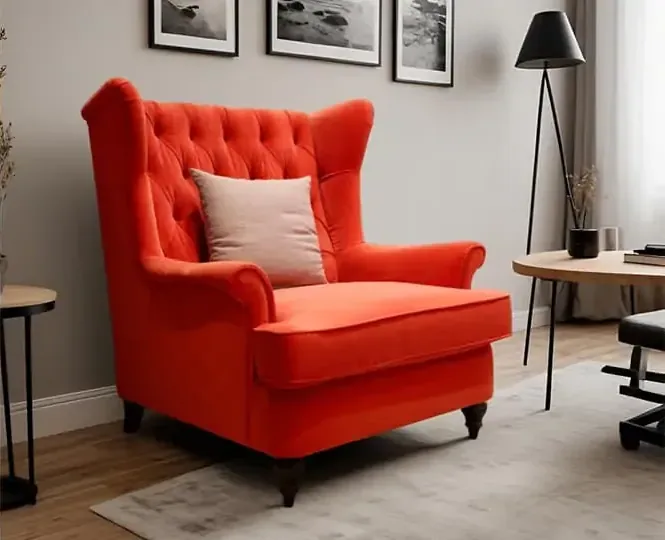
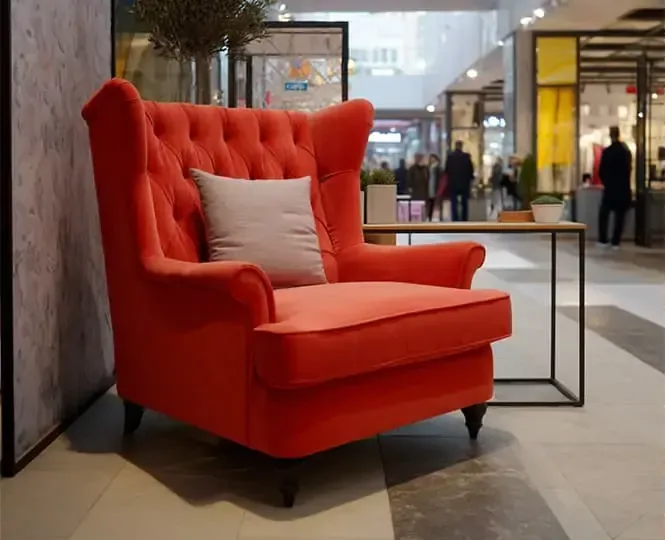
  • Red wingback armchair shown in a shopping mall and then in a home study — AfterRed wingback armchair shown in a shopping mall and then in a home study — Before

    Red armchair moved from a mall to a study

    “Replace the shopping mall background behind the red wingback armchair with a bright home study: gray walls, framed prints, a floor lamp and a small desk. Keep the chair, its cushion and the rug angle unchanged.”

  • Lattice pie on a dark baking counter, then on white marble with daisies — AfterLattice pie on a dark baking counter, then on white marble with daisies — Before

    Lattice pie from a floury counter to white marble

    “Move the lattice pie from the dark, floury baking counter onto a wooden plate on a white marble background, with a few white daisies around it. Keep the crust pattern and sugar dusting as they are.”

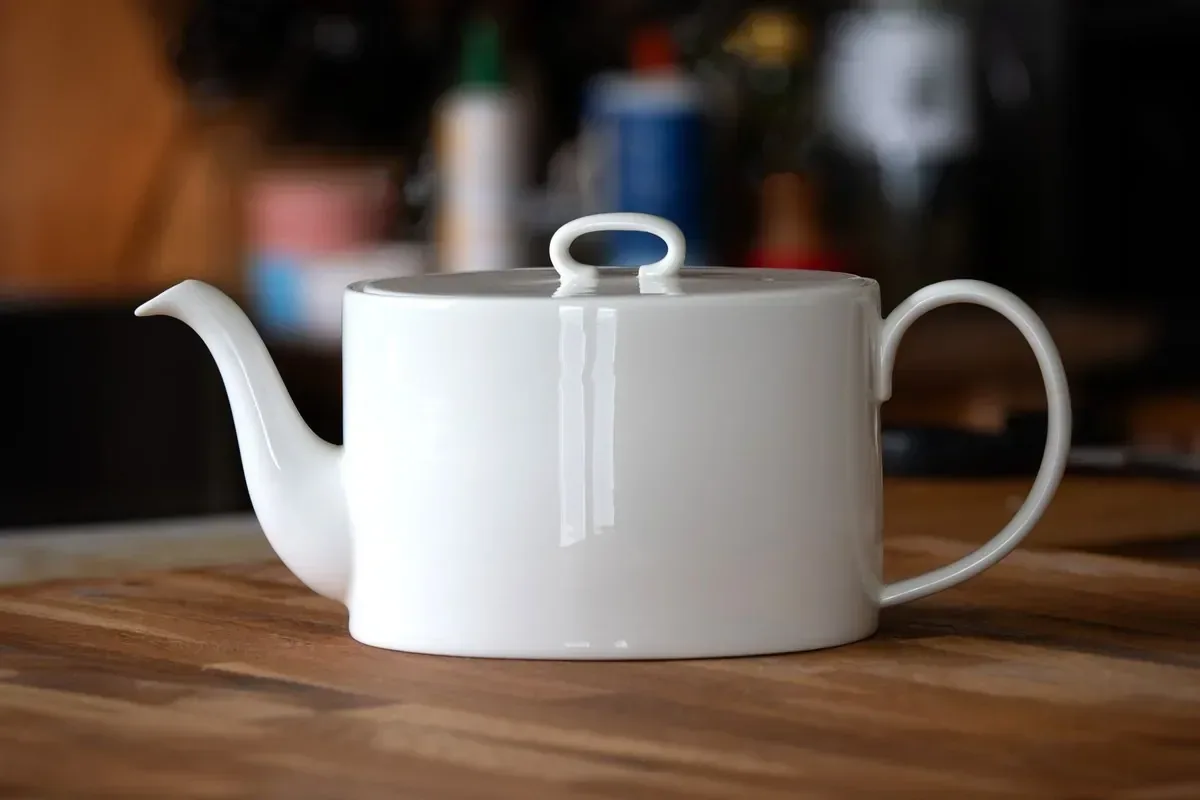
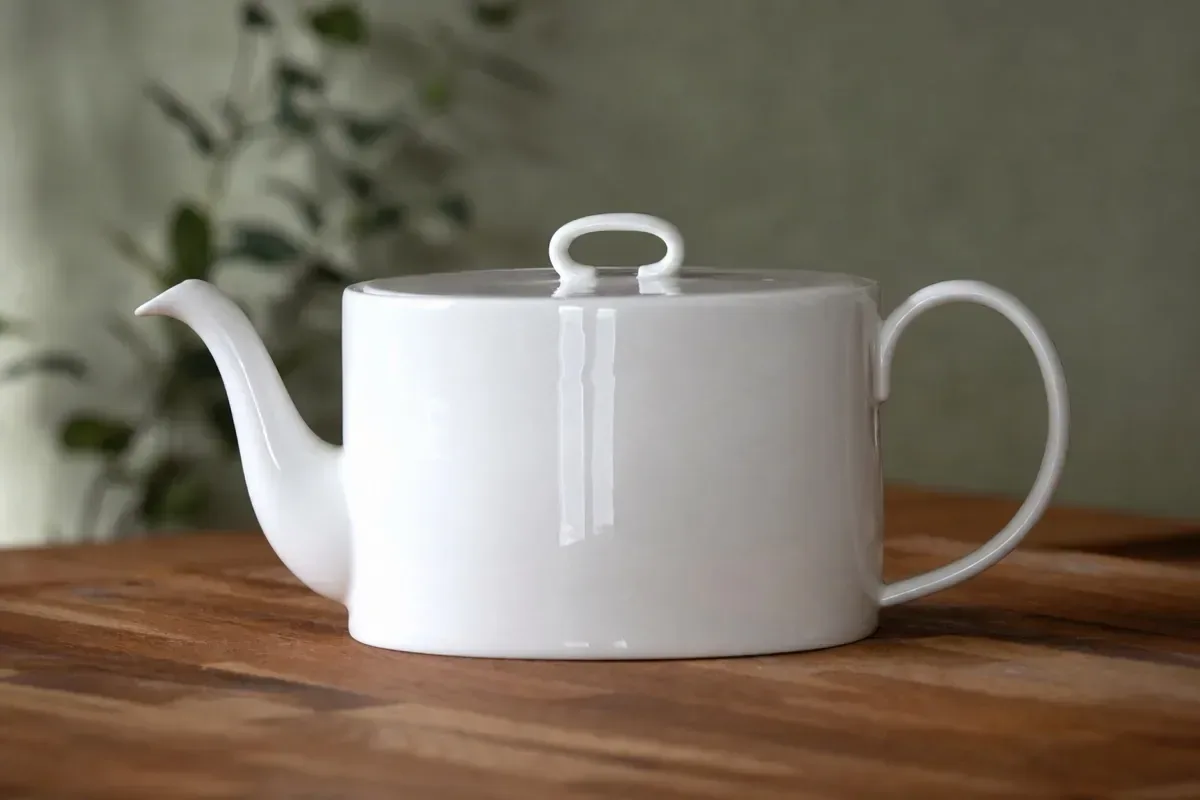
  • White teapot on a wooden table, plain wall swapped for a warm café background — AfterWhite teapot on a wooden table, plain wall swapped for a warm café background — Before

    Teapot moved to a cozy café background

    “Replace the plain green wall behind the teapot with a dim, cozy café background and warm bokeh lights. Keep the teapot and the wooden table unchanged.”

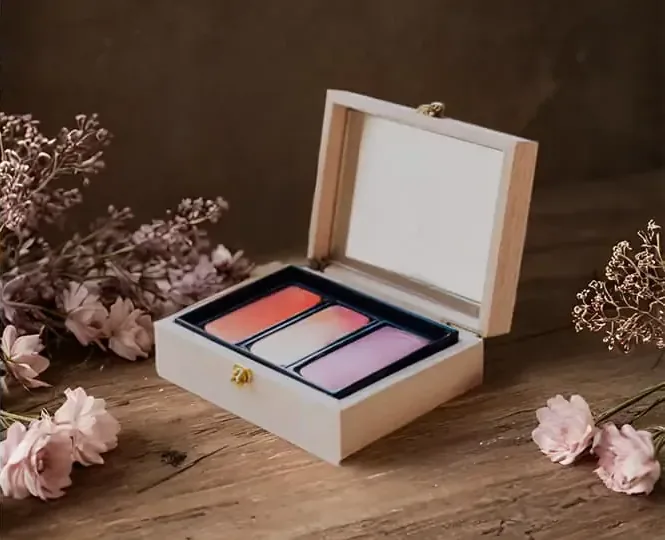
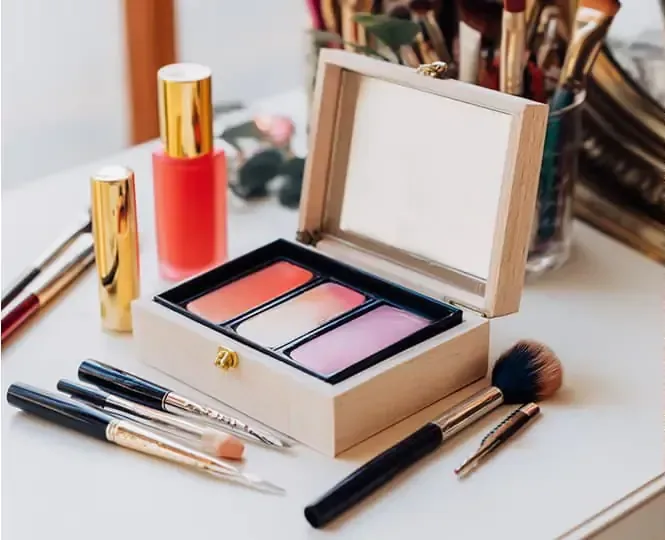
  • Open makeup palette box on a cluttered white desk, then on a wooden table with blossoms — AfterOpen makeup palette box on a cluttered white desk, then on a wooden table with blossoms — Before

    Makeup palette moved to a rustic table

    “Replace the white desk, brushes and lipsticks around the open makeup box with a warm wooden table and a soft pink blossom background. Keep the box and its four eyeshadow colors unchanged.”

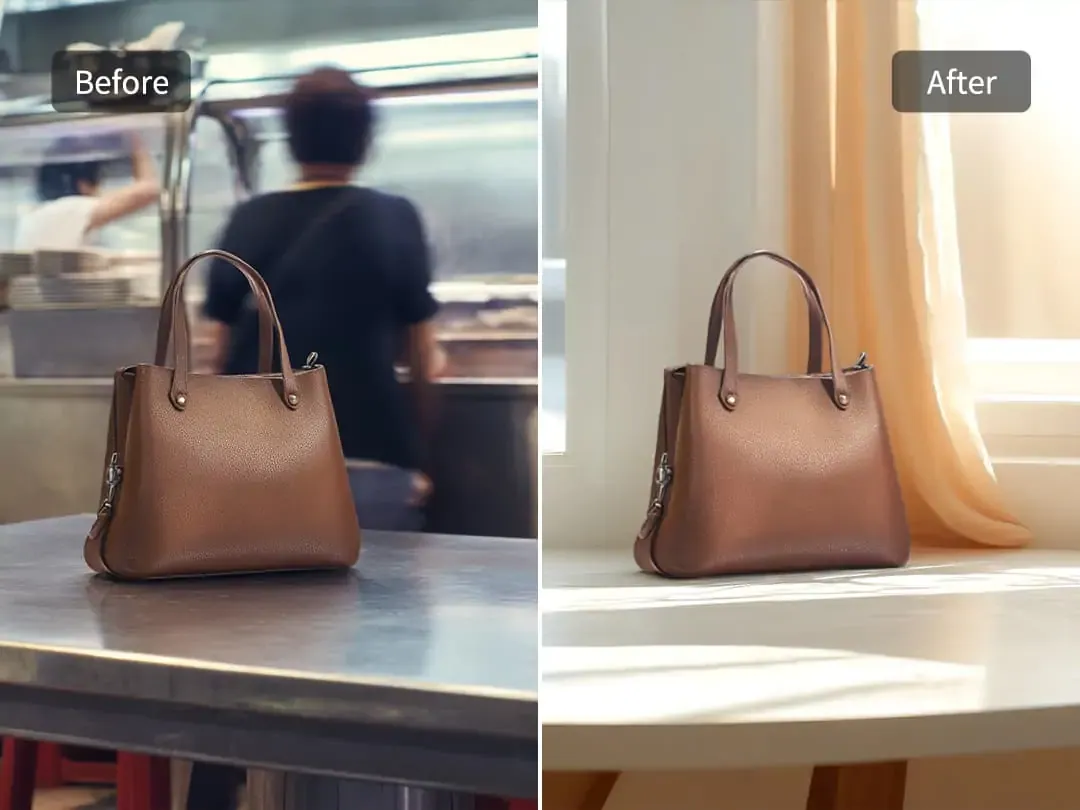
  • Brown leather tote on a diner counter and on a sunny windowsill, side by side

    Leather tote from a busy diner to a sunny window

    “Swap the busy diner counter and the person in the background behind the brown leather tote for a sunlit windowsill with sheer curtains. Keep the bag’s shape, grain, stitching and handles.”

  • Portrait with pink sunglasses, gray background replaced by a pink wall with window light — AfterPortrait with pink sunglasses, gray background replaced by a pink wall with window light — Before

    Gray studio background turned warm pink

    “Change the gray studio background behind her to a warm pink wall with soft window shadows. Keep her hair, sunglasses, skin and tattoos exactly as they are.”

Example images are for illustration only. Each prompt is a starting point for a similar edit on your own photo.

How to change picture background with AI

  1. Step 1

    Add your photo

    Upload a JPG, PNG or WebP of 20 MB or less. Pick a shot where the subject is fully in frame and in focus; cropped feet or hands are harder to place against a new background.

  2. Step 2

    Describe the new background

    Tell the background changer the place, time of day and mood, for example “rainy Paris street at dusk” or “white studio background with a soft shadow”. Add “keep the person unchanged” to protect faces.

  3. Step 3

    Compare and keep the best

    Press Edit Image, drag the slider against your original and download. Not quite right? Ask the background changer for warmer light, a lower horizon or a softer background in one more prompt.

Background changer prompts for new scenes

Nine more swaps to run through the background changer, from a concert hall to a snowy forest. Change the place, but keep the lines that protect your subject.

  1. 01

    Speaker on a conference stage

    Replace the hotel corridor background behind the speaker with a softly lit conference stage and a blurred audience. Keep his suit, headset microphone and expression unchanged, and add a warm spotlight from the front.

  2. 02

    Commuter bike on an autumn lane

    Replace the garage background behind the commuter bike with a quiet park lane covered in fallen leaves at golden hour. Keep the frame color, front basket and tires unchanged, with long shadows falling to the left.

  3. 03

    Birthday photo with a party background

    Swap the cluttered living room behind the child blowing out candles for a simple pastel background with paper garlands. Keep the child’s face, the cake and the candle flames exactly as they are.

  4. 04

    Daytime portrait to a neon street

    Change the daytime parking lot background behind the woman into a neon-lit city street at night after rain, with reflections on the pavement. Add soft pink and blue rim light and keep her features unchanged.

  5. 05

    Husky in a snowy pine forest

    Replace the backyard background behind the husky with a snowy pine forest on a bright winter morning. Keep its coat pattern, blue eyes and red collar unchanged, and add a little snow around its paws.

  6. 06

    Perfume bottle for a holiday banner

    Put the perfume bottle on a frosted glass surface with light snow and a background of warm fairy lights out of focus, for a winter holiday banner. Keep the bottle shape, cap and liquid color unchanged.

  7. 07

    Yoga pose in a bright studio

    Replace the bedroom background behind the woman holding a yoga pose with a bright studio: pale wooden floor, tall plants and a big window. Keep her pose, mat and outfit unchanged, with a soft shadow under the mat.

  8. 08

    Cellist in a concert hall

    Swap the rehearsal room background behind the cellist for a grand concert hall with warm stage lights and rows of empty red seats. Keep the cello, the bow and her hands exactly as they are.

  9. 09

    SUV on a misty mountain road

    Change the supermarket car park background behind the SUV to a winding mountain road at sunrise, with mist in the valley below. Keep the paint color and wheels unchanged and match the warm side light on the body.

What people use a background changer for

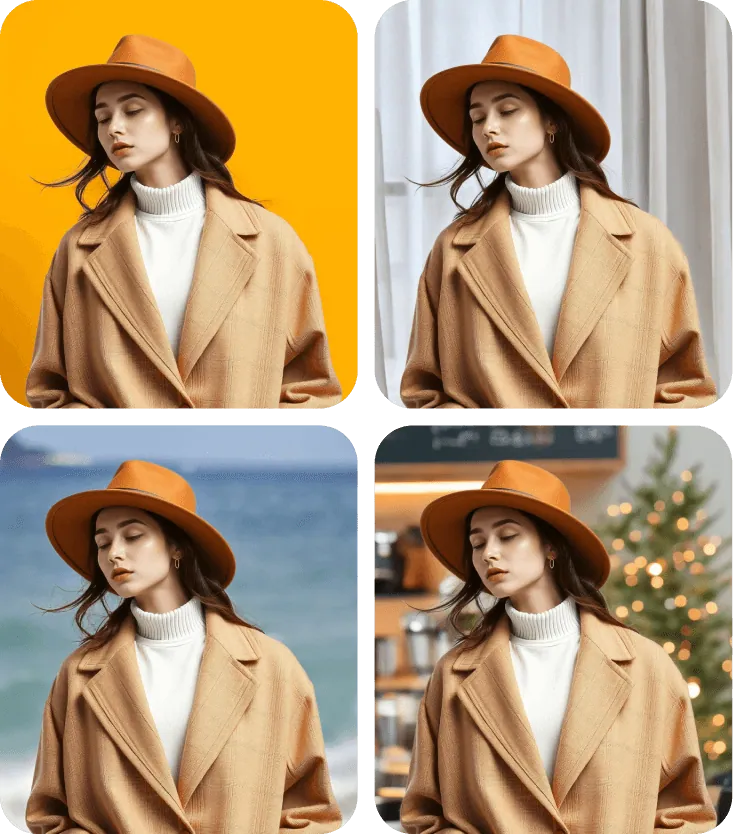
  • Woman with long dark hair posing in front of a glass storefront on a city street

    Profile and social photos

    Swap a cluttered bedroom or bare wall for a calm office, café or city storefront background before the photo goes on LinkedIn or a résumé. Use photos you have the right to edit.

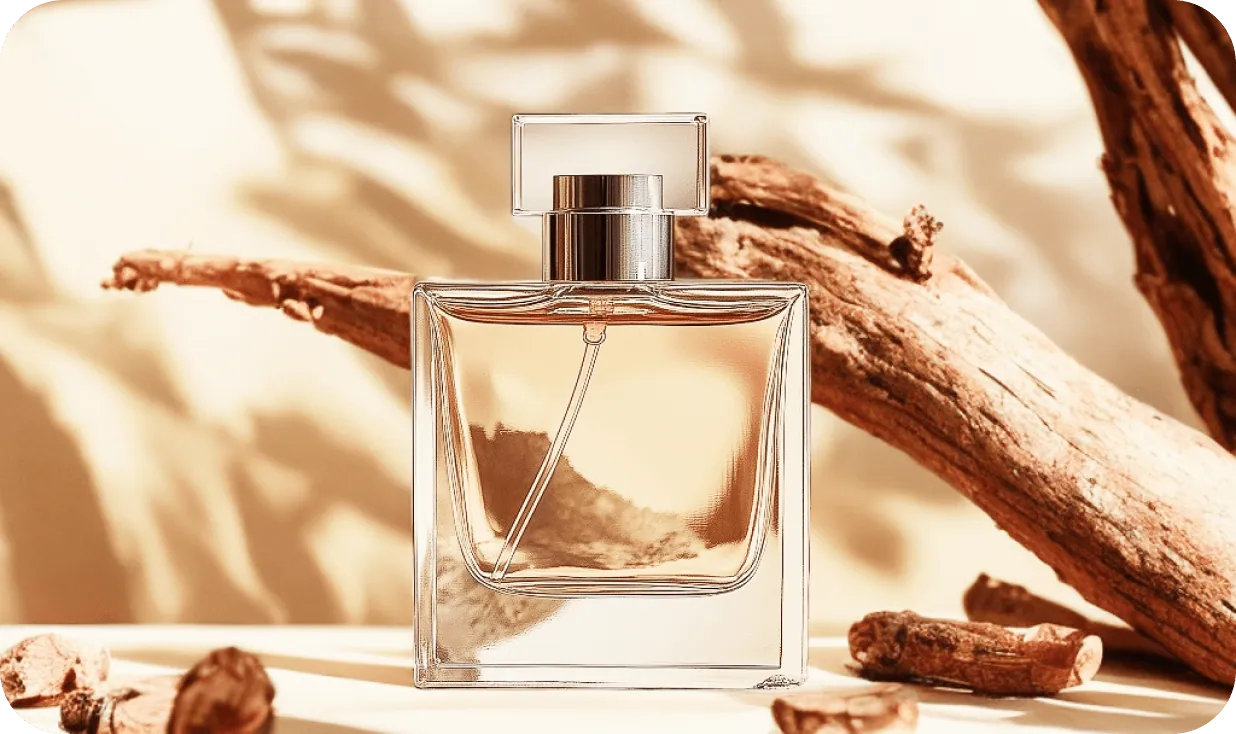
  • Glass perfume bottle among driftwood in warm, dappled sunlight

    Product backgrounds for every season

    Show one product against several backgrounds, such as a kitchen counter, a café table or a picnic blanket, without booking a separate shoot for each one.

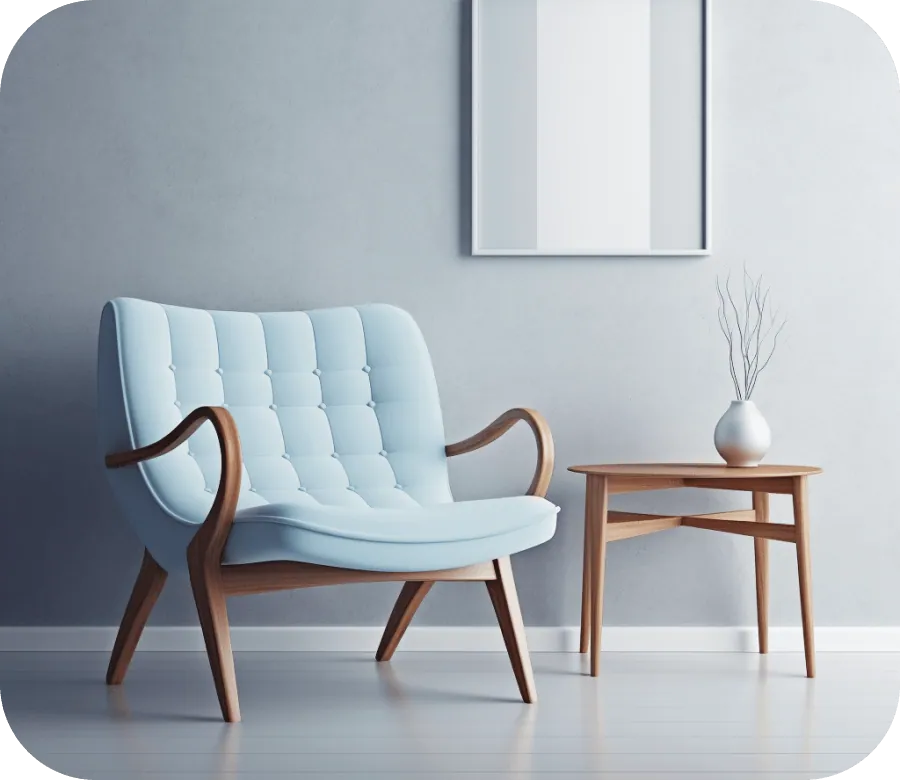
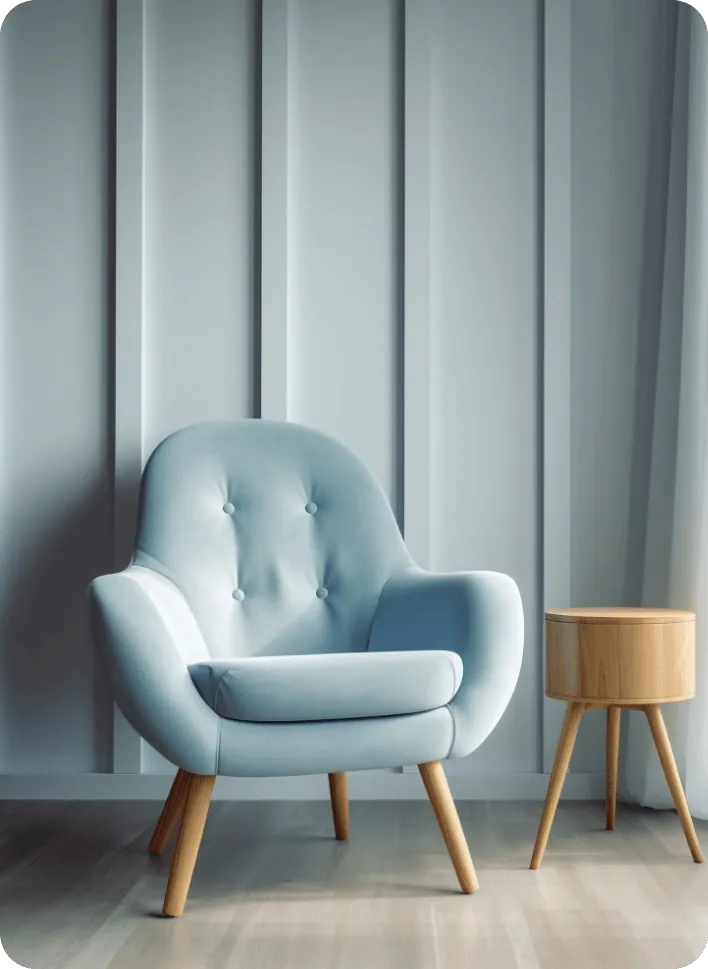
  • Light blue armchair beside a small wooden side table in a soft gray room

    Furniture and room scenes

    Put a chair, lamp or side table shot against a blank wall into a styled living-room background, so shoppers can picture it at home before they buy.

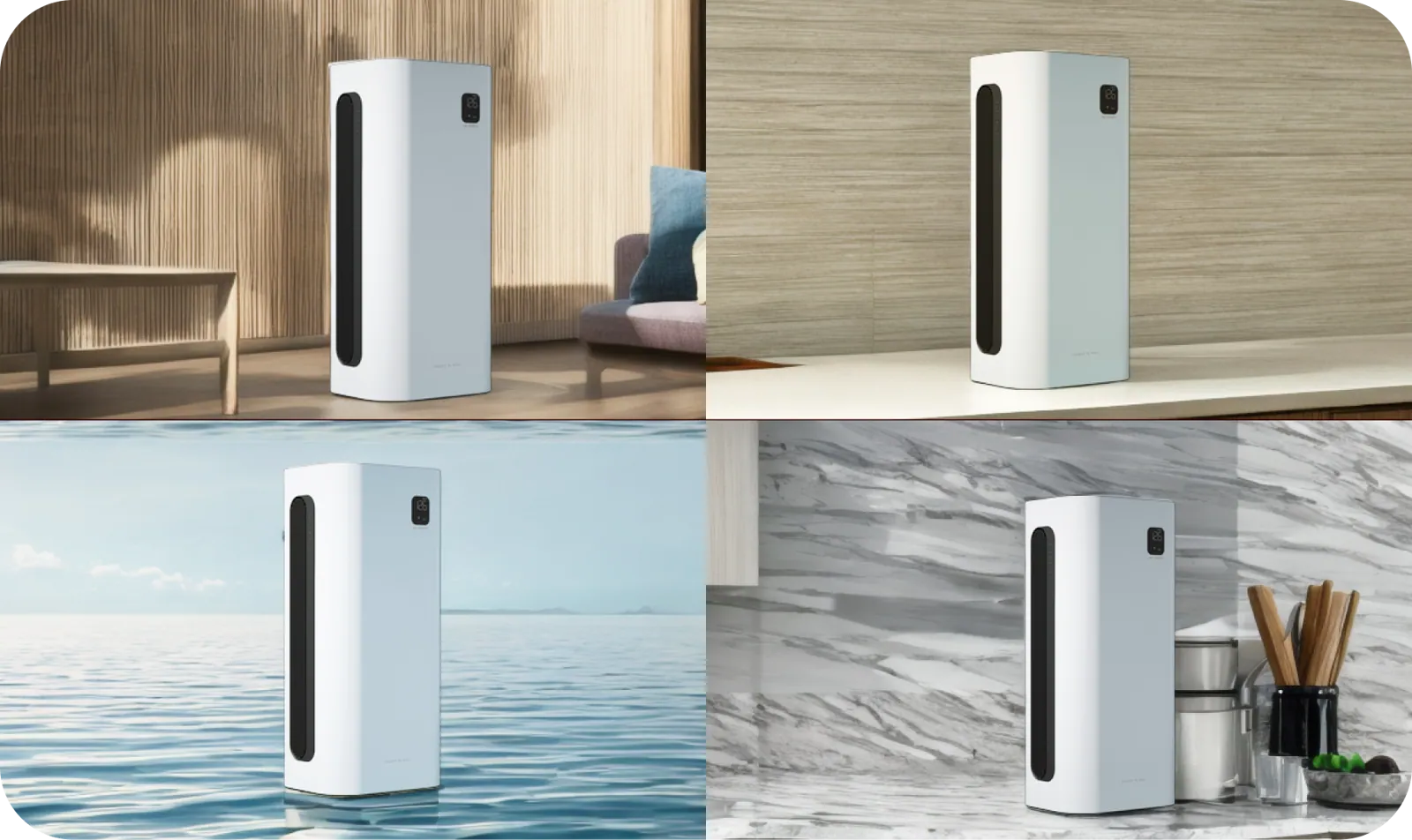
  • The same white air purifier shown on wood, sea, marble and kitchen backgrounds

    Ads, thumbnails and slides

    Run the background changer once per campaign color or season, so a single portrait or product shot works across banners, video thumbnails and decks.

Tips for a believable background swap

  • Describe the light direction and time of day; a subject lit from the left looks wrong against a background where the sun sits on the right.
  • Mind the camera angle: a photo taken from above needs a background seen from above, like a tabletop or a floor.
  • Say what must stay: “keep the face, hair and clothes unchanged” protects the parts people notice first.
  • Ask for contact shadows under feet or products so they sit on the ground instead of floating in front of the background.
  • Feed the background changer the sharpest version of your photo; a soft or noisy subject looks even softer next to a crisp new background.
  • Only need plain white or a solid color? Use Remove Background. To soften the background you already have, try Blur Background.

Best models for the background changer

Matching the light is the hard part of any background changer. Here is where each model does best.

  • Nano Banana 2

    Google

    Fast, high-quality background swaps for everyday photos, and the default model in the background changer. It keeps the same person or product recognizable when you place them against several backgrounds for a campaign or a profile set.

    About Nano Banana 2
  • Nano Banana Pro

    Google

    Use it when the new background is demanding: night streets with mixed lights, sunsets, reflective water or crowded interiors. It is the most careful with lighting and texture, so the subject blends into the background more convincingly. Output in EditPic is 1K or 2K.

    About Nano Banana Pro
  • Nano Banana

    Google

    The original all-rounder for natural, realistic changes. A dependable choice for straightforward background swaps, like a plain wall into a garden or a living room into a studio, when you want a calm, believable result.

    About Nano Banana

Background changer guide: making the new background believable

Most fake-looking background swaps fail on light, angle or wording. Here is how to get each one right with the background changer.

Matching light, camera height and scale to the background

Viewers spot a pasted subject through three mismatches. The first is light: if the sun lights the person from the left, the new background needs its brightest side on the left too, so say so in the prompt. The second is camera height. A portrait shot at eye level needs a background horizon roughly at eye level, while a top-down product photo needs a tabletop seen from above.

The third is scale. A person framed from the waist up should not stand in front of a background doorway that looks tiny. Describing the shot helps the background changer here: “photo taken at eye level with a phone, waist-up framing” gives it the camera it has to imitate.

Writing a background description the AI can follow

Because the background changer works from your words, not from an uploaded image, the description does all the work. A reliable order is place, time, weather, depth and protection: “a small Lisbon side street, late afternoon, clear sky, background slightly out of focus, keep the person unchanged”.

Stick to three or four details. A long list of props invites clutter and odd objects in the background. Name colors when they matter for a brand or a feed. Words like “quiet”, “busy”, “warm” or “clinical” steer the mood more than extra nouns do. If the first result is close, change one thing at a time in the follow-up so you can see what each word does.

Fixing halos, drifting faces and floating feet

A thin glow of the old background around hair or shoulders means the edge kept some original color. Ask to “remove the light outline around her hair” and the model repaints just that strip. If a face, logo or hand starts to change, repeat what must stay and consider Flux, which keeps edits narrow.

Floating is the other classic flaw: feet, chair legs or a bottle base with no contact shadow. Request “a soft contact shadow where the shoes touch the ground”. Shiny surfaces such as glasses, watches or car paint may still reflect the old room, so mention that reflections should match the new background.

Background changer, remover or blur: which one to use

The background changer is the right tool when the place itself should change. If you only need a plain color, Remove Background is simpler and leaves less room for odd details. If the original background is fine but distracting, Blur Background keeps it and softens it. A single stranger in the frame is a job for Remove People, and for a polished work portrait the AI Headshot Generator is built around that look.

Use photos you have the right to edit, and don’t present a swapped location as proof that someone was really there. For social posts or ads, a quick note that the background was edited avoids confusion.

Before you start: a background changer checklist

Two minutes of preparation saves several reruns. Check that the subject is complete, with no cut-off elbows, feet or bag straps, because the background changer has to invent anything the frame lost. Look at the edges: hair or fur in front of a busy, similar-colored background is the hardest cut, so a plainer original gives a cleaner result.

Next, note where the light comes from in your photo and plan a new background lit from the same side. Decide where the image will end up and pick the aspect ratio before you edit: 1:1 for feeds, 9:16 for stories, 16:9 for banners and slides, 3:4 or 4:3 for listings and prints. Finally, keep the untouched original, so every new background starts from the same clean file.

Background changer vs. a manual cut-out in a photo editor

Doing a background swap by hand means selecting the subject with a pen or lasso tool, refining every strand of hair, finding a stock background with the right perspective, matching color and grain, then painting contact shadows. For a careful retoucher that is easily half an hour per photo.

The background changer folds those steps into one sentence: it separates the subject, paints the new background and relights the edges in a single pass, so trying five backgrounds takes minutes instead of an afternoon. The trade-off is control. You can’t upload a specific background photo, and small details may shift, so compare with the slider. When a client needs a pixel-exact brand background or a legal product shot, a manual edit still makes sense; for drafts, social posts and listings, the background changer is usually enough.

Background changer FAQ

  1. Is this background changer free to use?

    Sign up and try it free once. After that, each background change uses credits; the amount depends on the model you pick and is shown before every edit. A paid plan tops up your balance if you swap backgrounds often.

  2. Can I change background in photo uploads without Photoshop?

    Yes. There are no layers, masks or selection tools. Upload the photo, write where the subject should be, and the background changer separates the subject and paints the new background around it in one pass.

  3. Will the new background match the lighting?

    The background changer blends color and light so the subject looks shot on location. For tricky photos, describe the light in the prompt, such as “golden hour from the right”, and ask it to adjust shadows on the subject.

  4. Can I upload my own background image?

    Not at the moment: the background changer takes one photo per edit, and you describe the new background in words. The more precise you are about place, colors and light, the closer the result gets.

  5. Does the background changer work for products as well as people?

    Yes. It handles mugs, bottles, shoes and furniture well; ask it to keep labels and shape unchanged. For marketplace listings that need a pure white background, the Product Photo Background tool is the better fit.

  6. How do I change picture background without changing the face?

    Write the protection into the prompt: “keep the face, hair and expression exactly as in the original”. Choose a photo where the face is sharp and not too small, and compare closely with the slider. If features still shift, run the background changer again or try Flux for a narrower edit.

  7. Can I change the background in a photo of a group?

    Yes. State how many people there are and that all of them stay, for example “keep all five people, their poses and clothes”. Groups need a background with enough room, like a beach or a park, and each extra person adds edges to check, so look at hands and shoulders.

  8. Can the new background be soft and out of focus?

    Yes, add it to the description: “a café background, slightly out of focus as if shot at f/2.8”. A soft background also hides small mismatches in light. If you want to keep the original place and only soften it, Blur Background is a better fit than the background changer.

  9. Which photos work best with an AI background changer?

    Photos with a sharp subject, clear edges and simple light: a portrait against a plain wall, a product on a table, a pet on short grass. Busy backgrounds that cross the hair, motion blur and very dark shots make the cut harder. Framing a little wider than you need also gives the new background room around the subject.

  10. Can I change the background to plain white or a solid color?

    Yes. Write “plain light gray background” or “solid sage green background” and the background changer paints it, with a soft shadow if you ask. The result is a regular image, not a transparent PNG. For the cleanest pure white, Remove Background or Product Photo Background is the quicker route.

  11. How do I try several backgrounds on the same photo?

    Run the background changer once per background and start each new one from your original upload, not from an edited version, so small changes don’t pile up. Keep the protection line the same in every prompt and change only the place, which makes the versions easy to compare side by side.

Ready to change picture background?

Upload a photo, describe the new background and let the background changer show your subject standing there.