AI Image Models in EditPic
EditPic lets you pick the AI image model behind each edit, and every model works on your own uploaded photo. Each page below shows examples, what the model does best, ready prompts and when another model is the better choice.


GPT Image 2
OpenAIGPT Image 2 is OpenAI's model for creating and editing pictures, released in its API in April 2026. GPT Image 2 earns its place when an edit needs words people can actually read, or a list of changes that all have to land at once. On this page the EditPic editor already has GPT Image 2 selected: upload a photo, write the instruction and run it.Words you can readSeveral instructions, one passLayouts with structureAbout GPT Image 2

Nano Banana 2
GoogleNano Banana 2 is Google's Gemini 3.1 Flash Image model, which Google describes as Pro-level image quality at Flash speed. Nano Banana 2 is at its best when the same person, pet or product has to stay recognizable across a set of edits. It is also the default model in the EditPic editor, so you can upload a photo and try Nano Banana 2 straight away.Quick turnaroundOne subject, many imagesBelievable everyday editsAbout Nano Banana 2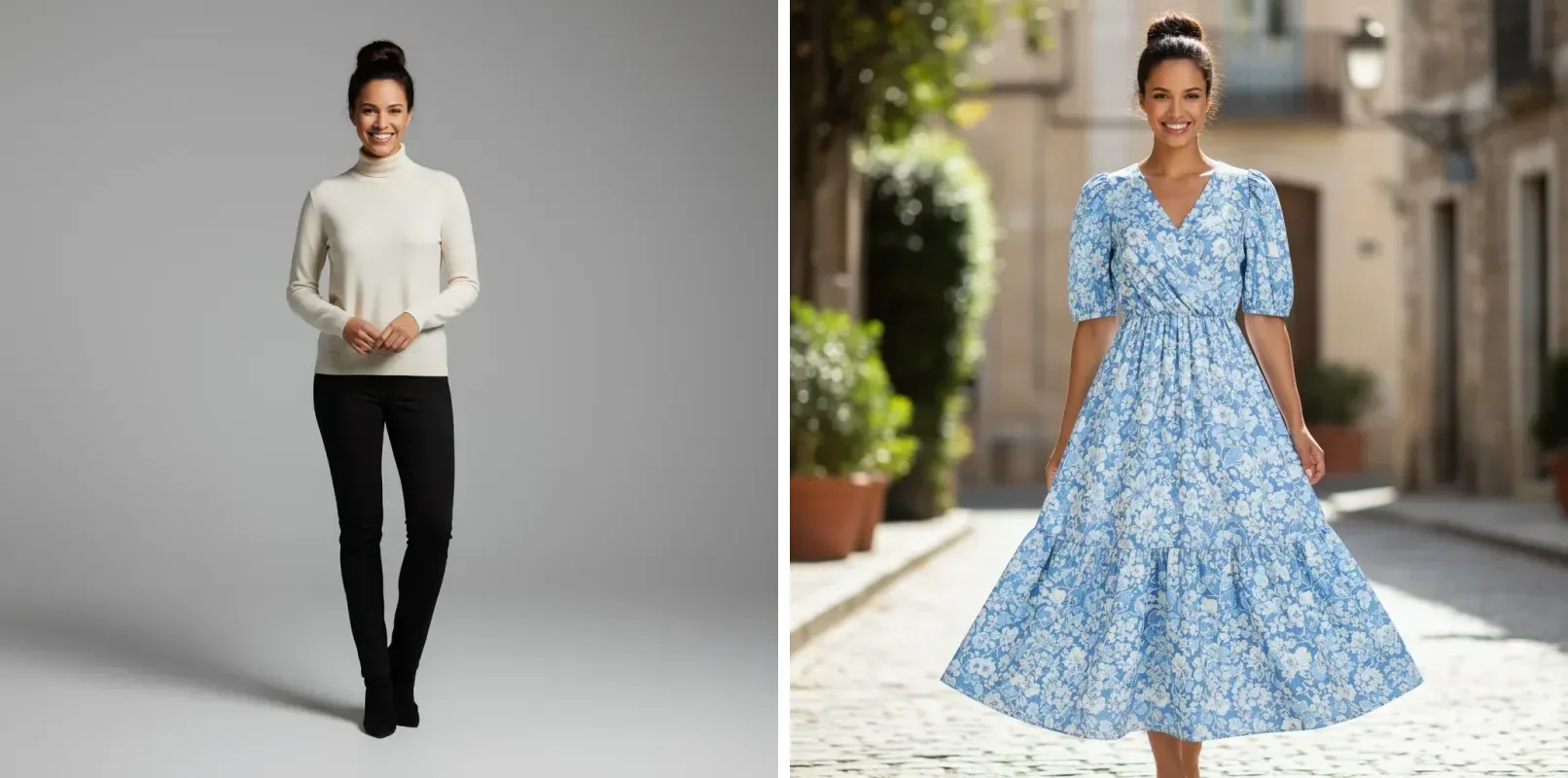
Nano Banana Pro
GoogleNano Banana Pro is Google's Gemini 3 Pro Image model, built on Gemini 3 Pro and its reasoning. Reach for Nano Banana Pro when a picture depends on detail: the weave of a fabric, reflections on glass, a shift of focus or a street full of people. In EditPic you can run Nano Banana Pro on your own photo and download the result at 1K or 2K.Texture that holds up closeLight, focus and camera on requestBusy scenes stay readableAbout Nano Banana Pro
Nano Banana
GoogleNano Banana is Google's original image model from the Gemini 2.5 Flash Image release, built to change part of a photo from a plain-language request. Nano Banana shines on everyday jobs such as a new background, a different outfit or a stray object gone, and the result still looks like a real photo. The EditPic editor below opens on Nano Banana 2; choose Nano Banana from the model menu and describe your edit.Changes that stay photographicEdits from plain sentencesFaces and pets stay recognizableAbout Nano Banana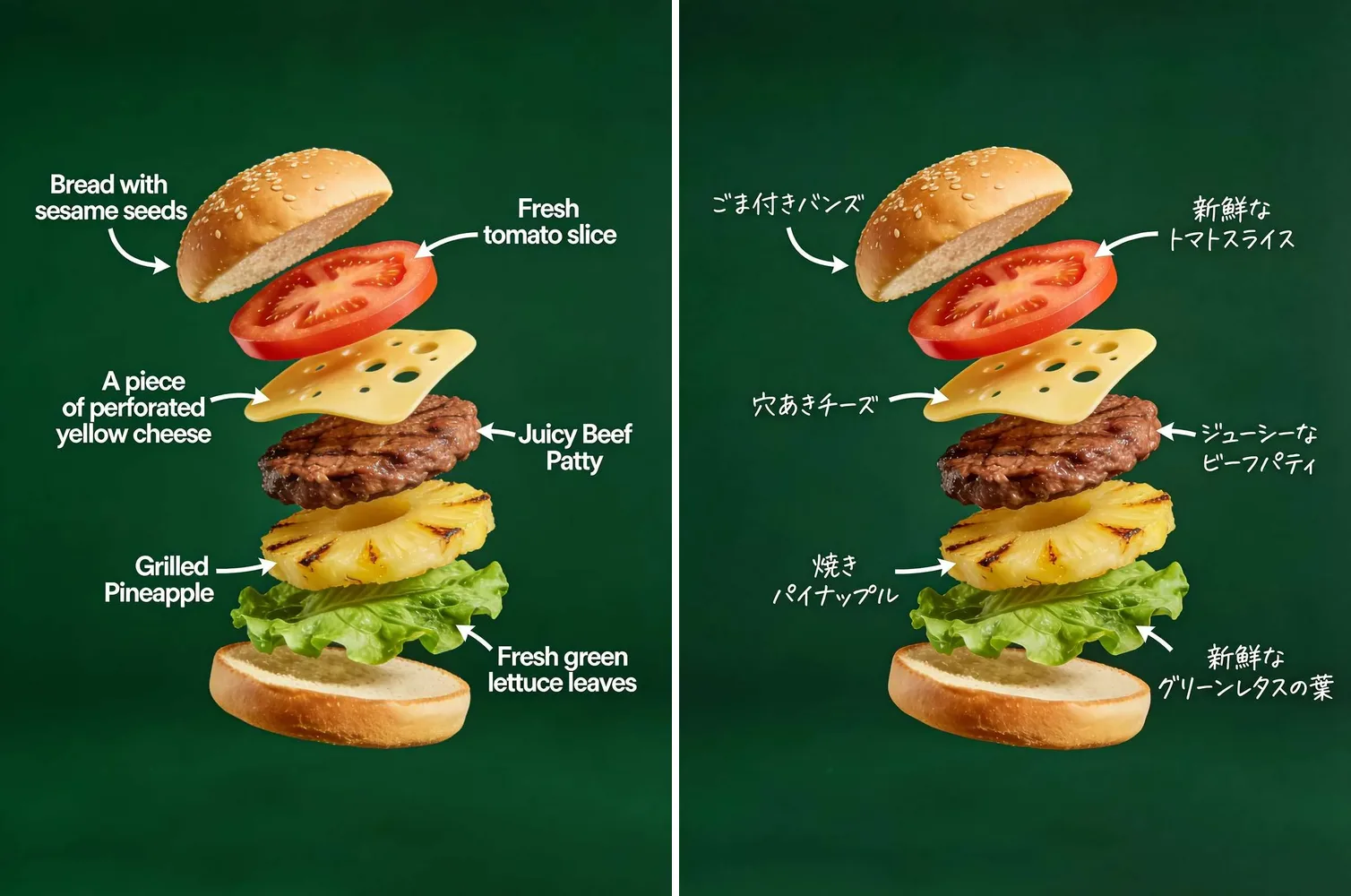

Seedream
ByteDanceSeedream is ByteDance's family of image models for creating and editing pictures; recent releases include Seedream 4.5 and Seedream 5.0 in Lite and Pro versions. In EditPic, Seedream is the model we suggest for drafts, variations and product-shot ideas, when you want to explore before settling on a final look. Upload a photo, describe the change and run it with Seedream, which this page already has selected.Holds on to your photoReads short instructionsSteady outside the editAbout Seedream

Flux
Black Forest LabsFlux is the image model family from Black Forest Labs, and Flux editing is known for changing exactly what you name while the rest of the picture stays put. Use Flux to recolor a single object, take out one detail or keep a series of images in one steady look. Flux is already selected in the EditPic editor below; describe the change and run it.Leaves the rest aloneExact colorsFollows structured promptsAbout Flux
How to Choose an AI Image Model for Your Edit
Every AI image model here runs in the same editor on your own photo, and you can switch models between runs. Start from what the edit needs most, then pick the model built for it.
Everyday edits and photo series
The default image model in the editor and a sound first try for ordinary fixes. It is also the one to stay with when a run of edits must show the same face or the same product every time.
Nano Banana 2Text, labels and long instructions
The model to choose when the finished image must carry legible lettering on a sign, poster or label, or when a single prompt asks for several changes at once. It is also the model most at home with layout and design changes.
GPT Image 2Fine texture and busy scenes
Reach for this model for close-up work where small detail decides the result, like skin, knitwear or product surfaces. The model itself supports up to 4K, while EditPic exports 1K or 2K.
Nano Banana ProNatural, photo-real changes
A dependable model for realistic touch-ups, such as tidying a room, swapping a plain backdrop or cleaning up behind a portrait. In EditPic this model outputs at 1K only.
Nano BananaDrafts and side-by-side versions
A model for exploring: try one idea in different wordings, look at the results together and decide which direction to keep. In EditPic it outputs at 2K only.
SeedreamChange one thing, keep the rest
Pick this model for surgical edits, like recoloring a single object or removing one detail, and for a set of images you edit one by one that must share the same colors and light.
Flux
Whichever image model you choose, the result downloads as a regular image in 1:1, 3:4, 4:3, 9:16 or 16:9, and the editor shows the credit cost before each run.