remove.bg Alternative: What to Use After remove.bg Closes
Need a remove.bg alternative? remove.bg closes its standalone site on December 1, 2026. Compare Canva, the API route and EditPic, with facts checked 2026-11.
Updated 2026-11-16
If you're looking for a remove.bg alternative, the date matters more than the features: remove.bg says its standalone website will no longer be available from December 1, 2026 at 9:00 am CET. Background removal is moving to Canva, and API access to Leonardo.ai, which is also part of Canva. Follow remove.bg's own path if you need transparent PNG cutouts, bulk batches, plugins or an API. Consider EditPic if what you really want is a finished picture, such as a product on pure white or a person on a new background, and you're happy to describe it in a sentence.
All remove.bg and Canva details below come from their own websites, checked on November 16, 2026.
What is happening to remove.bg
From the banner on remove.bg and its FAQ page:
- The standalone site closes on December 1, 2026, 9:00 am CET. Accounts stay accessible until then; remove.bg asks you to export invoices and your credit usage report from the Account page first, because you can't download them afterwards.
- Subscriptions keep working until that date and then end automatically. Annual subscribers get a pro-rata refund for unused time. For monthly plans, any final renewal on or after November 1 is free.
- Unused pay-as-you-go credits expire on December 1, 2026.
- remove.bg's self-service API stops accepting requests on December 1; remove.bg sends API users to Leonardo.ai. Enterprise API contracts continue.
- The Photoshop plugin and other integrations are discontinued on the same date.
- For single images and bulk batches, remove.bg names Canva's Background Remover as the replacement and says it uses the same background-removal technology.
On November 16, 2026, remove.bg's pricing page listed no plans or prices, so we don't quote any here.
What EditPic is as a remove.bg alternative, and its honest limits
EditPic is a prompt-based AI photo editor that runs in the browser. You upload a JPG, PNG or WebP up to 20 MB, describe the change, choose one of six third-party models (Nano Banana 2, Nano Banana Pro, Nano Banana, GPT Image 2, Seedream or Flux) and download the result. Signing up is free; edits use credits.
What matters if you're coming from remove.bg:
- No transparent PNG export yet. You get a regular image on the background you ask for, such as pure white or light gray.
- No API, no bulk batches, no plugins. One photo at a time in the editor.
- It's generative. A cutout tool such as remove.bg keeps your subject's original pixels and deletes the rest. EditPic draws a new image, which can shift small details, so compare before and after.
- Video is coming soon, not available today.
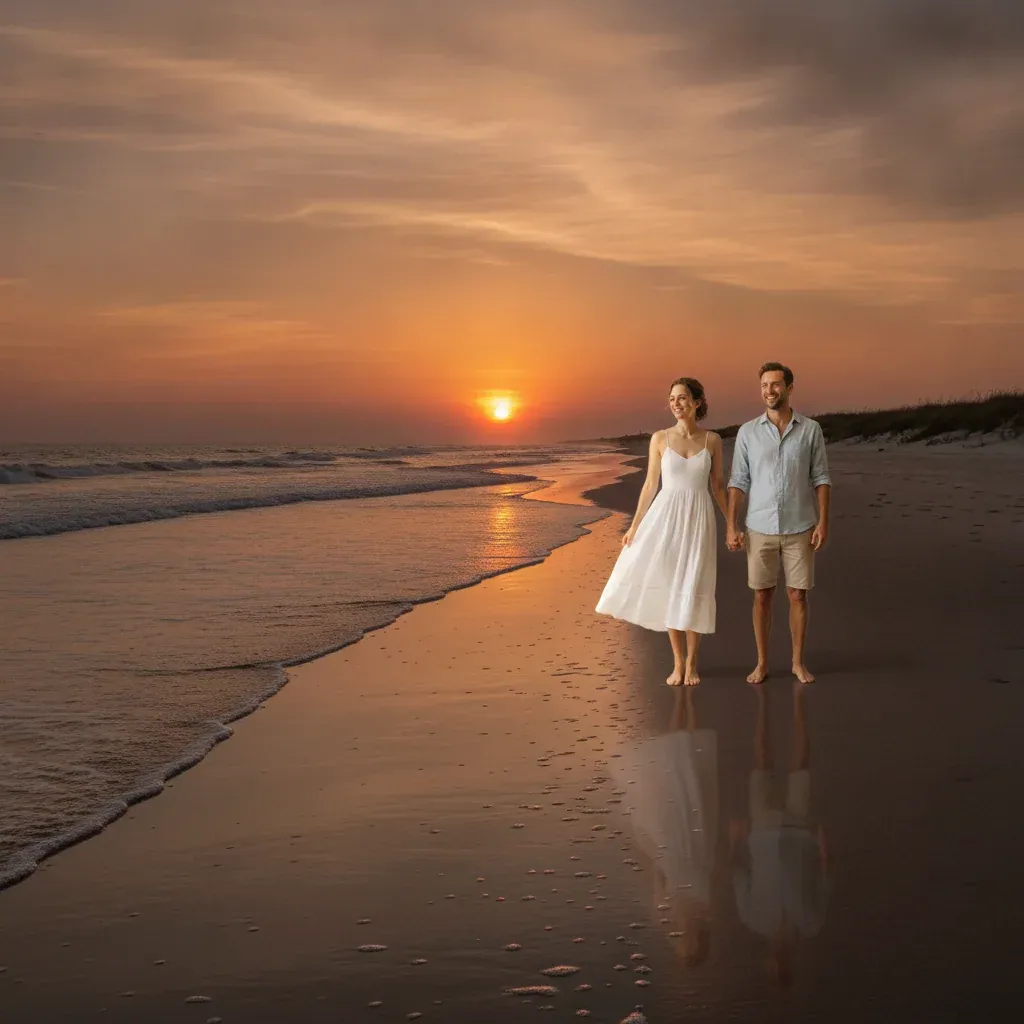
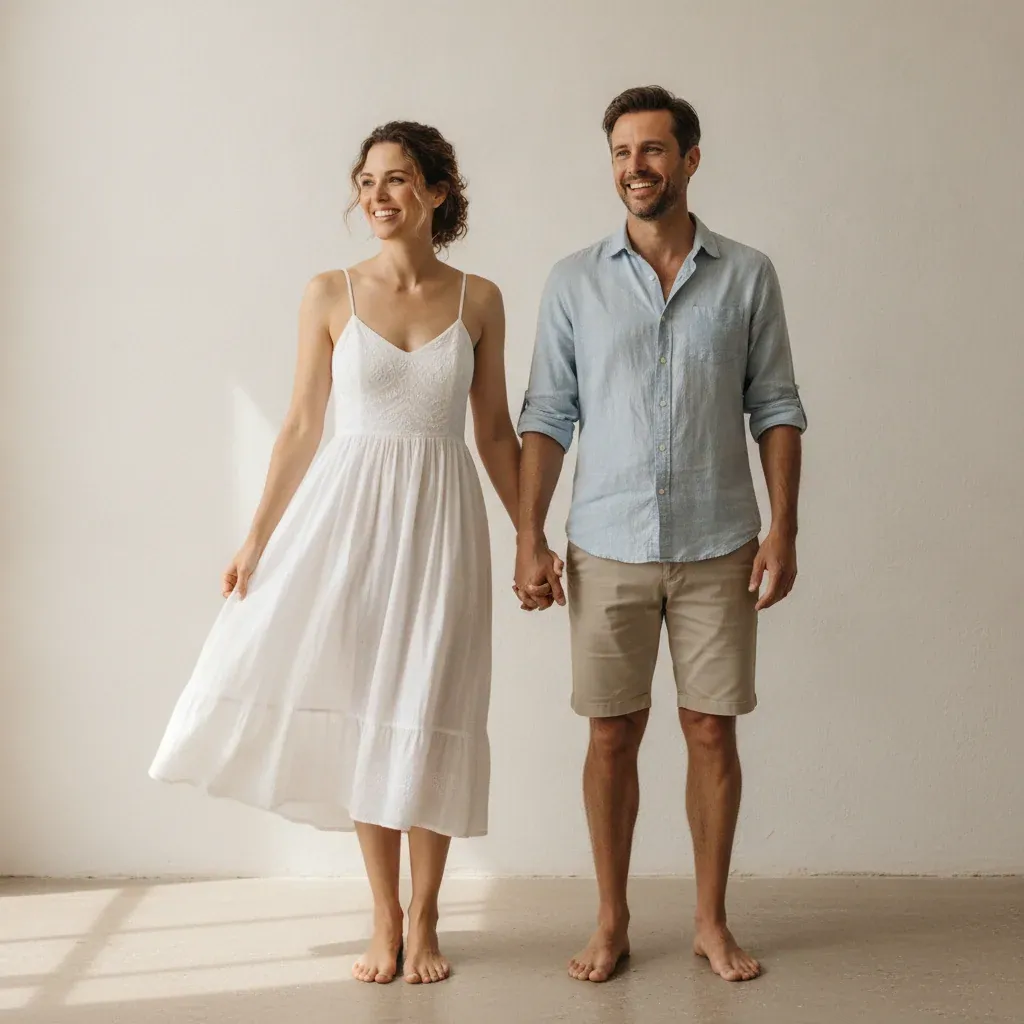
remove.bg vs Canva vs EditPic
Checked 2026-11 on remove.bg, remove.bg/faq, remove.bg/pricing and canva.com/features/background-remover. Prices and limits change, so see their sites for current terms.
remove.bg (until Dec 1, 2026) | Canva Background Remover | EditPic | |
|---|---|---|---|
Status | Standalone site closes Dec 1, 2026 | remove.bg's named replacement | Available |
How it works | Automatic cutout | Automatic cutout inside a Canva design | You describe the edit in a prompt |
Free use | Homepage says automatic and free; limits: see their site | A limited number of free high-resolution downloads | Free signup; edits use credits |
Paid plans | None listed on the pricing page | Paid plan for unlimited downloads; prices: see their site | Credit plans on the pricing page |
Transparent PNG | Yes | Yes | Not yet |
Bulk | Up to 500 images per minute, per its homepage | Batch upload | No |
API and plugins | Self-service API and plugins end Dec 1, 2026 | API via Leonardo.ai, per remove.bg | None |
Beyond cutouts | AI background generator | The rest of Canva's design tools | New backgrounds, object removal, upscaling, restyling, photo restoration |
Searching for a remove bg alternative free of charge? Neither option is unlimited: Canva's free high-resolution downloads are capped, and EditPic's edits use credits. For an occasional cutout, a free allowance may still be all you need.
Choosing a remove.bg alternative: cutout or finished picture?
Before you compare tools, decide what you actually take away from remove.bg. Two very different jobs hide behind the same button.
A cutout is the subject on a transparent layer. You need one when the image goes into something else: a logo, a sticker, a slide, a template, or a shop that adds its own backdrop. For that job, the sensible remove.bg alternative is the one remove.bg itself names, Canva's Background Remover, which can download a transparent PNG.
A finished picture is the subject already on its final background: pure white for a listing, light gray for a profile photo, a new scene for a post. Here the cutout is only a step on the way, and a prompt-based editor such as EditPic can skip it.
Not sure which you need? Look at your last ten remove.bg downloads and check where each one ended up.
When remove.bg's own path is the better choice
If any of these apply, follow remove.bg's own successors rather than a different remove.bg alternative:
- You need true transparency for logos, stickers, layered designs, or a shop that adds its own backdrop.
- You process dozens or hundreds of images at a time.
- You call background removal from code. Leonardo.ai is the route remove.bg recommends.
- You work in Photoshop. remove.bg suggests Affinity, also part of Canva, which it says is free to use and has the same technology built in, though that feature needs a Canva Pro subscription.
- Your subject must stay pixel-for-pixel as shot.
When EditPic is a reasonable remove.bg alternative
- You only cut things out to put them somewhere else: on pure white for a marketplace listing (white background for product photos), on a soft color, or into a new scene (background changer). EditPic does that in one step, with no remove.bg cutout in between.
- The same photo needs other fixes too, such as removing a stray cable, brightening a dull shot or upscaling a small file.
- You edit a few photos a week rather than batches, and you'd rather describe the result than adjust settings.

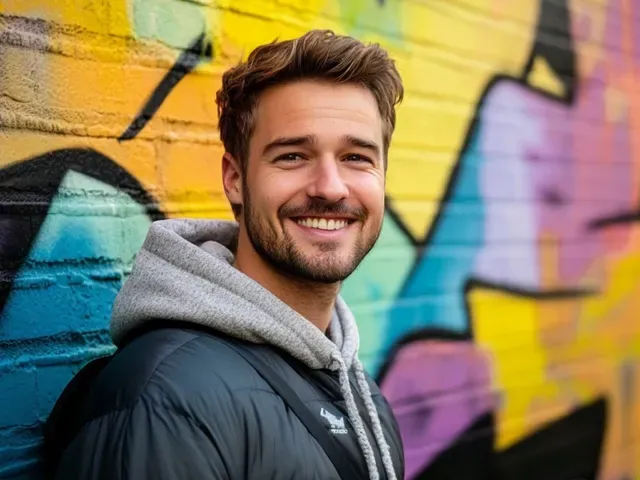
Prompts you can copy for common remove.bg jobs
Most remove.bg cutouts end up on a new background anyway. In EditPic you skip the cutout and ask for the finished picture. Paste one of these, then change the details to match your photo:
Marketplace listing on white
Remove the background and place the product on pure white, centered. Keep the edges crisp and add a faint, soft shadow directly underneath. Do not change the label, color or shape.
Profile photo on a neutral backdrop
Replace the background with a smooth light gray studio backdrop. Keep my face, hair, glasses and clothes exactly as they are, and keep the light on my face natural.
Product on a soft color for social posts
Put the sneaker on a pale sage-green background with a gentle gradient and a soft shadow falling to the right. Keep the stitching, laces and colors unchanged.
Pet photo without the messy room
Replace the cluttered living room behind the dog with a plain warm beige wall. Keep the fur around the ears sharp and the dog's pose unchanged.
Curly hair against a busy street
Replace the street behind her with plain off-white. Keep the loose curls and flyaway strands around her head natural, not cut off or smoothed.
If the edges come back soft, add "keep the edges sharp" or switch to Nano Banana Pro. If the product itself changes, add "do not redraw the product" and keep the prompt to one request.
Edge problems after a background swap, and how to fix them
A cutout tool like remove.bg and a generative editor go wrong in different places. These are the edge problems to look for when a remove.bg alternative redraws the background instead of cutting it out:
- Flyaway hair. Fine strands may be clipped short or smoothed into one solid outline. Ask for "natural flyaway strands, not a smooth outline" and run detailed portraits on Nano Banana Pro.
- Fur. A pet's outline can turn soft or blurry. Describe the fur and the light on it, then check the outline at 100%.
- Glass and clear plastic. A bottle should show the new background through it, not the old room. Say so: "the new background shows through the glass".
- A pale halo. A light fringe from the old backdrop can cling to dark edges. Ask to "blend the edges into the new background with no visible outline".
- Not quite white. A pure white request can come back faintly gray or warm. If a marketplace is strict about white, check the corner pixels in an image editor before you upload.
Which EditPic model to use for background work
- Nano Banana 2, the default, handles everyday white or colored backgrounds, and it is the one to use for a catalog where the same product or person must look identical from shot to shot.
- Nano Banana is good at realistic new settings: a person on a beach, a chair in a living room.
- Nano Banana Pro is for fur, curly hair, glass and jewelry, where edges and reflections are hardest. EditPic outputs it at 1K or 2K.
- Flux fits jobs where the subject must stay as close to the original as possible and only the background should change.
- Seedream is a good way to draft several backdrop ideas before you commit to one.
- GPT Image 2 is the pick when the new background needs readable text, such as a sale banner or a price card next to the product.
None of them returns a transparent PNG. If you need one, use Canva's Background Remover, as remove.bg recommends.
How to switch to a remove.bg alternative before December 1
-
Log in to remove.bg and download any results you still need, plus invoices and the credit usage report.
-
Use up pay-as-you-go credits; they expire on December 1, 2026.
-
Move transparent-PNG and bulk work to Canva, and API calls to Leonardo.ai, following remove.bg's migration notes.
-
For jobs where a finished background is the goal, open EditPic's background remover, upload a photo and try:
Remove the background and place the product on a pure white background. Keep the edges sharp and a soft natural shadow underneath. Keep the product exactly as it is.
-
Compare the result with your old remove.bg output at full size before you move a whole workflow.
Comparing other tools too? See the Photoroom alternative and Picsart alternative pages.
Frequently asked questions
Is remove.bg shutting down?
Its standalone website will no longer be available from December 1, 2026 at 9:00 am CET, according to remove.bg's own FAQ. Background removal moves to Canva, the self-service API moves to Leonardo.ai, and enterprise API contracts continue as normal.
What is the best remove.bg alternative for transparent PNGs?
remove.bg itself points to Canva's Background Remover, which it says uses the same technology; Canva's page says you can download a transparent PNG. EditPic cannot export transparent PNGs yet, so it is not the right pick for that job.
Is there a free remove.bg alternative?
Canva's Background Remover page offers a limited number of free high-resolution downloads before you need a paid plan. EditPic is free to sign up for, but every AI edit uses credits, so it is not a free unlimited cutout tool. Check each site for current limits.
What happens to my remove.bg credits and subscription?
remove.bg says subscriptions run until December 1, 2026 and then end automatically. Annual plans get a pro-rata refund for unused time, a final monthly renewal on or after November 1 is free, and unused pay-as-you-go credits expire on December 1.
Can EditPic replace the remove.bg API?
No. EditPic has no public API and no bulk processing; it is an editor you use one photo at a time. remove.bg directs self-service API users to Leonardo.ai and says enterprise API contracts are not affected.
How do I download my remove.bg invoices before the site closes?
remove.bg asks you to log in before December 1, 2026 and export your invoices and credit usage report from the Account page, because they cannot be downloaded once the standalone site is gone. Save any processed images you still need at the same time.
Can I get a white background without making a transparent PNG first?
Yes, if a product or portrait on white is the end goal. Ask for the finished picture instead of a cutout: in EditPic, upload the photo and write "place the product on a pure white background and keep it unchanged". The result is a regular image, so check the edges at full size.
Which EditPic model works best for replacing a background?
Start with Nano Banana 2, the default, for everyday white or colored backgrounds. Switch to Nano Banana Pro for fur, curly hair, glass or jewelry, to Flux when the subject must stay as close to the original as possible, and to GPT Image 2 when the new background needs readable text.
Is Canva's Background Remover the same as remove.bg?
remove.bg says Canva's Background Remover uses the same background-removal technology, and names it as the replacement for single images and bulk batches. Canva's page says you can download a transparent PNG, with a limited number of free high-resolution downloads before you need a paid plan.
Can a remove.bg alternative handle hair and fur?
In EditPic, yes, with checking. A generative edit can soften fine strands or fur, so name them in the prompt, use Nano Banana Pro for fur, curly hair, glass and jewelry, and zoom to 100% before you download. When the subject must stay pixel-exact, a dedicated cutout tool is still the safer route.
Background Remover
remove.bg is a trademark of its respective owner. EditPic is not affiliated with or endorsed by remove.bg. Details checked in 2026-11.