Picsart Alternative: A Focused AI Photo Editor vs an All-in-One Suite
Looking for a Picsart alternative? Compare Picsart's Pro and Ultra plans with EditPic, a focused prompt-based photo editor: features, limits, price (2026-11).
Updated 2026-11-16
Choosing a Picsart alternative comes down to how much of Picsart you really use. Stay with Picsart if you use the full creative suite: templates, stickers, fonts, video editing, stock media, brand kits, mobile apps and a large catalog of AI models. Consider EditPic if what you actually do is edit photos: describe the change in plain words, pick a model, download the picture.
The Picsart details below come from picsart.com/pricing and Picsart's own comparison page, checked on November 16, 2026.
What Picsart offers
- Plans: Pro ("AI tools for everyday creative work") and Ultra ("Heavy AI usage for creators & teams"), billed monthly or yearly; the page says yearly saves up to 30%.
- Price: the pricing page showed us local-currency prices, so we don't quote it. Picsart's comparison page at picsart.com/compare/picsart-vs-remove-bg, which it says was last checked September 16, 2026, lists Pro at $15 a month or $126 a year ($10.50 a month) with 500 AI credits a month. Ultra price: see their site.
- Pro includes: all photo and video editing features, advanced background and object removal, a one-tap image enhancer, millions of stock photos and Getty video clips, premium templates, support for 3+ brand kits, bulk editing of up to 50 images at once and 100 GB of cloud storage.
- Ultra adds: 200+ AI video, image and audio models (Picsart names Kling, Nano Banana, MiniMax and Seedance among them), bulk editing of up to 100 images, 10+ brand kits, team seats and 300 GB of storage per seat.
- Every plan: standard photo and video editing tools, custom dimensions, and a selection of templates, fonts, stickers and shapes. There is a free app; free AI limits: see their site.
- Platforms: App Store, Google Play and Microsoft Store apps, plus the web. Newer extras include AI agents, a command-line tool and access through MCP.
- Export: PNG and PDF are listed; Picsart's comparison page adds that format and resolution vary by tool.
How EditPic differs as a Picsart alternative, and its limits
EditPic does one job: AI photo editing from a prompt, in the browser. Upload a JPG, PNG or WebP up to 20 MB, write what should change, choose one of six third-party models (Nano Banana 2, Nano Banana Pro, Nano Banana, GPT Image 2, Seedream or Flux) and download. There is nothing to learn beyond the sentence you type. Signing up is free; edits use credits.
What you give up compared with Picsart:
- No templates, stickers, fonts, collages or text tools for design work.
- No video yet; it is coming soon.
- Six models instead of hundreds, though some families overlap with Picsart's.
- No native apps, no bulk editing, no transparent PNG export, no API or command-line access.
Picsart vs EditPic at a glance
Checked 2026-11 on picsart.com. Prices and features change, so see their site for current terms.
Picsart | EditPic | |
|---|---|---|
What it is | All-in-one photo, video and design suite | Prompt-based AI photo editor |
Plans | Pro and Ultra, monthly or yearly | Credit plans on the pricing page |
Price | Pro $15 a month or $126 a year, per its comparison page; Ultra: see their site | See the pricing page |
AI models | 200+ video, image and audio models on Ultra | Six image models |
Bulk editing | Up to 50 images (Pro) or 100 (Ultra) | No |
Design assets | Templates, fonts, stickers, stock, brand kits | None |
Video | Video editing and AI video generation | Coming soon |
Platforms | iOS, Android, Windows, web | Web browser |
Export | PNG and PDF listed; varies by tool | Regular image; no transparency yet |
Questions to ask before you leave Picsart
A Picsart alternative only works if it covers the parts of Picsart you lean on. Answer these first:
- Which tools do you open each week? Look back at last month's projects. If most were background swaps, clean-ups and restyles, a photo-only Picsart alternative covers them. If most were posters, collages or videos, it won't.
- Where do your files live? Picsart Pro includes 100 GB of cloud storage. Download the projects you want to keep before you change plans.
- Who else uses the account? Ultra adds team seats and 10+ brand kits. EditPic has no shared workspace.
- How many images do you edit at once? Picsart Pro bulk-edits up to 50 images and Ultra up to 100. EditPic edits one photo at a time.
- Which devices do you use? Picsart has App Store, Google Play and Microsoft Store apps. EditPic runs in a browser on desktop or phone.
- Which models do you rely on? Picsart lists 200+ AI models on Ultra, including video and audio ones. EditPic offers six image models, so check that the ones you use for photos are covered.
When Picsart is the better choice
Before you settle on a Picsart alternative, check whether you rely on any of these:
- You design, not just edit: posters, social templates, stickers and text layouts.
- You edit or generate video today.
- You work mostly on your phone or on Windows.
- Your team shares brand kits and cloud storage.
- You batch-edit dozens of images at once.
- You like trying many AI models, including video and audio ones.
The more of these you tick, the less a photo-only Picsart alternative will cover.
When EditPic is a reasonable Picsart alternative
Most apps like Picsart pack hundreds of features into one interface. EditPic is a better fit when:
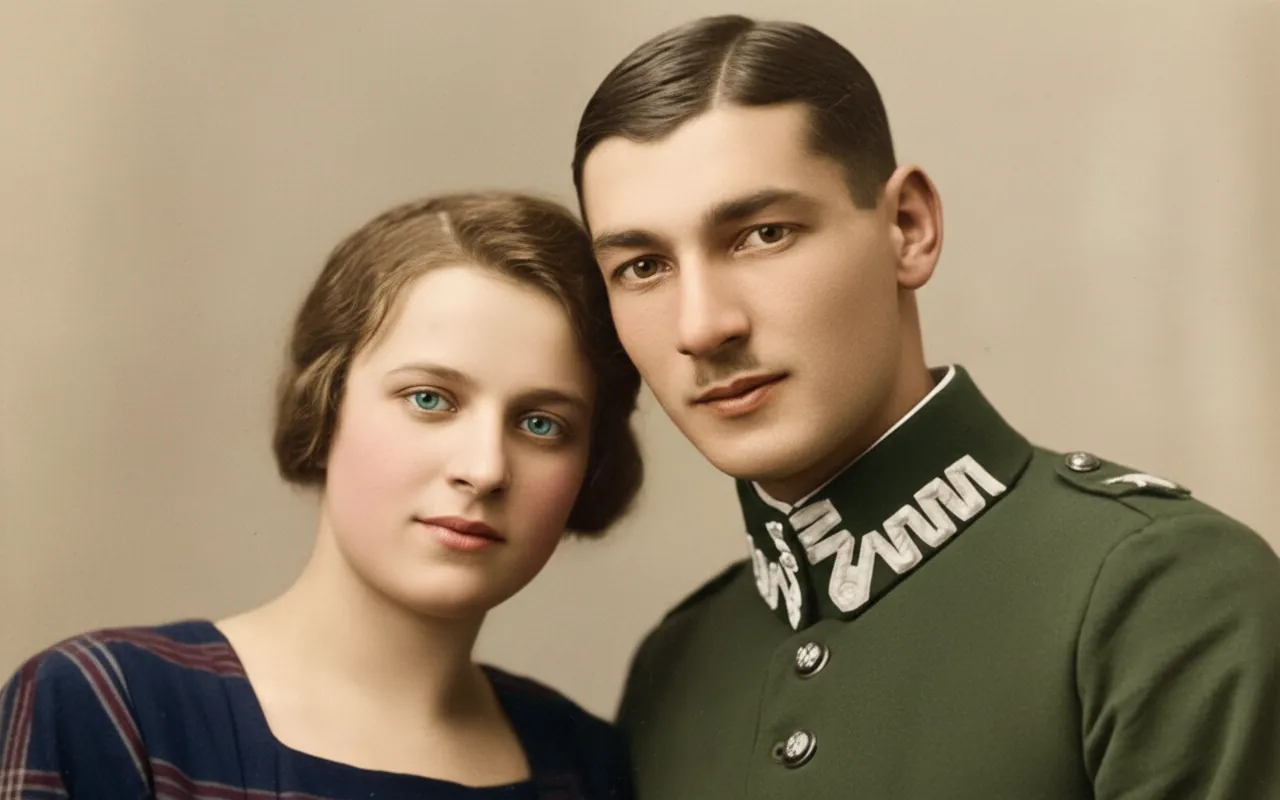
- You open Picsart mainly to fix photos: swap a background, erase a distraction, restyle a picture or restore an old print.
- You'd rather type one sentence than hunt through menus and layers.
- You want a lighter tool that opens in any browser.
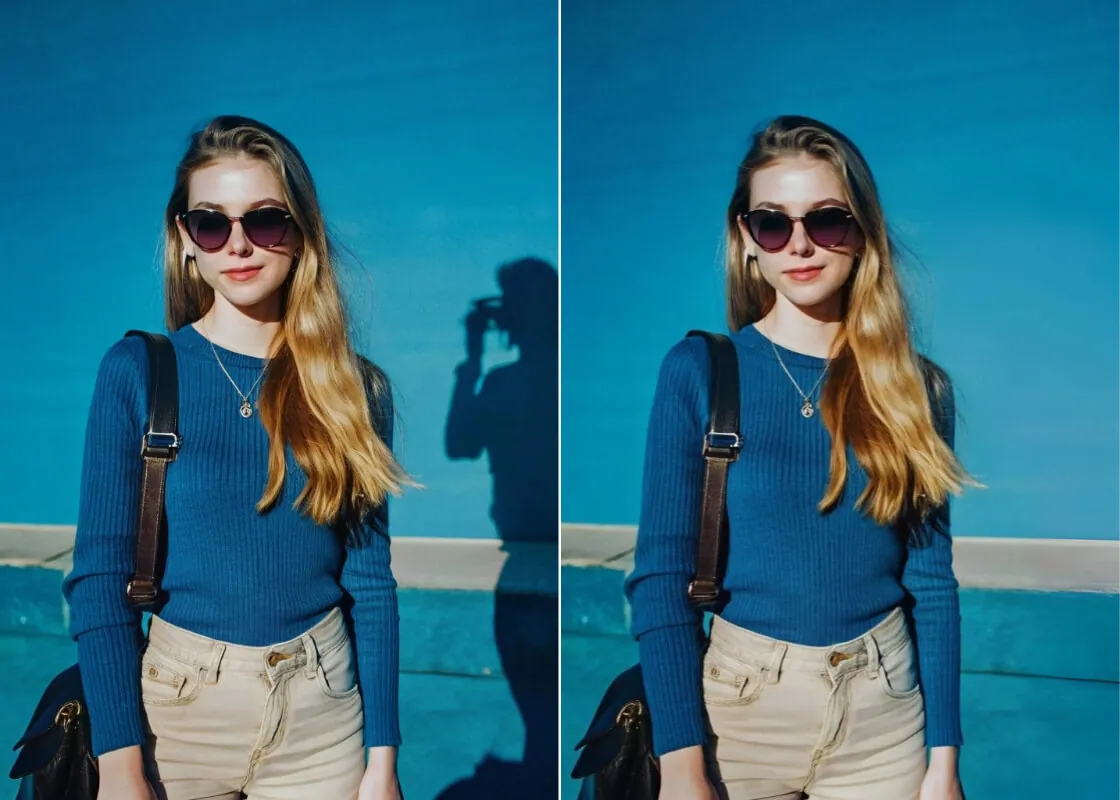
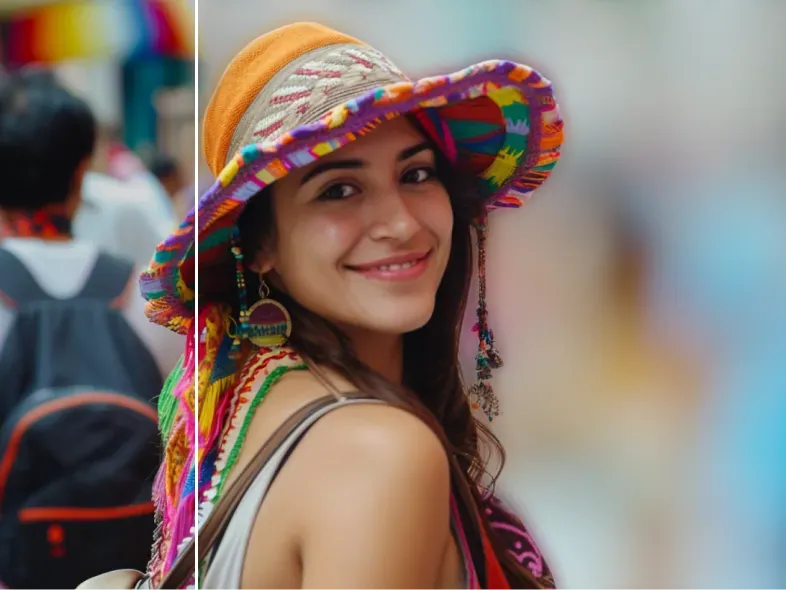
Start with the image to image AI generator for restyles and creative changes. Try a prompt like:
Turn this photo into a soft watercolor illustration. Keep the composition, the colors of the clothes and the faces recognizable.
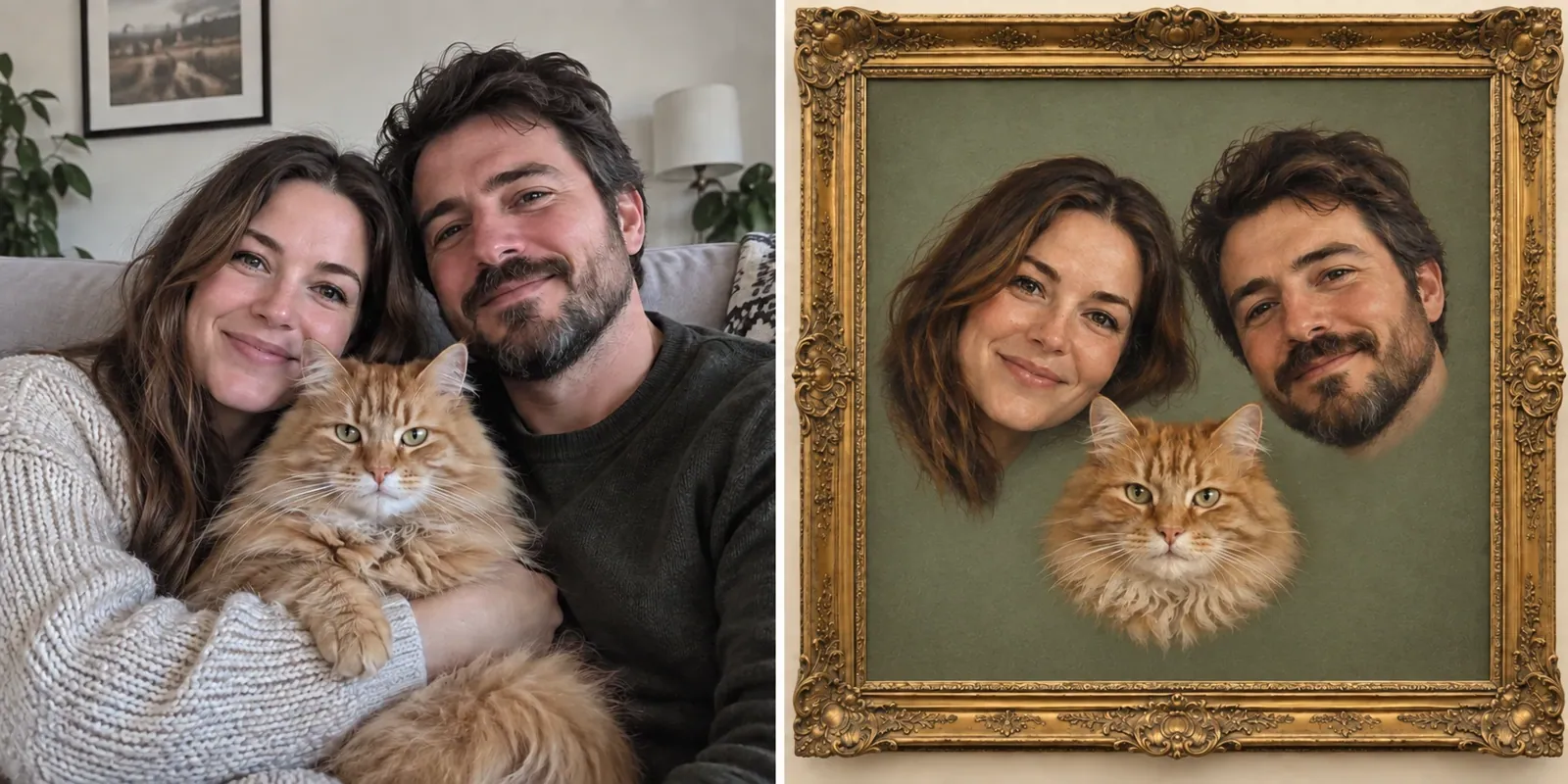
For clean-up jobs, the guide on how to remove a person from a photo walks through prompts and fixes.
Example: one weekly social post, the Picsart way and the EditPic way
Take a café owner who posts a weekly special: a photo of the dish, a tidier table, a warm look and one line of text.
In Picsart, that is a single project. Object removal clears the clutter, an effect warms the colors, a font from the library sets the text and a sticker finishes it. Everything stays in one app.
In EditPic, the photo part takes two prompts: "remove the napkins and the phone from the table and keep the plate unchanged", then "give the photo a warm, late-afternoon film look". GPT Image 2 can paint a short line such as "Friday special" into the picture, but for a chosen font and exact placement you would finish in a design tool.
For this routine, a Picsart alternative like EditPic handles the photo well and leaves the layout to a second tool. If text and stickers are most of your post, staying with Picsart is simpler.
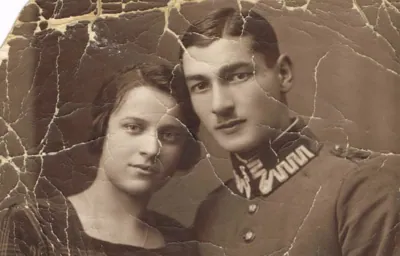
Turn your Picsart routine into prompts
Picsart puts each job behind its own tool. In EditPic the same jobs become one sentence each. Here is a starting point for the edits people make most often, with the model to try first:
What you do in Picsart | Prompt to try in EditPic | Start with |
|---|---|---|
Remove or change a background | "Replace the background with a plain light gray wall. Keep the person unchanged." | Nano Banana 2 |
Erase an object | "Remove the small white teapot on the left and continue the wooden table and wall behind it." | Nano Banana |
Enhance a soft photo | "Sharpen this slightly blurry photo and reduce the noise. Keep faces natural, with no skin smoothing." | Nano Banana Pro |
Apply an effect or filter | "Give this photo a warm 1970s film look with soft grain and slightly faded blacks." | Flux |
Add words for a post | "Add the words 'Open Saturday' in clean white letters on the blue awning." | GPT Image 2 |
Try lots of ideas | "Turn this street photo into a rainy night scene with neon reflections on the pavement." | Seedream |
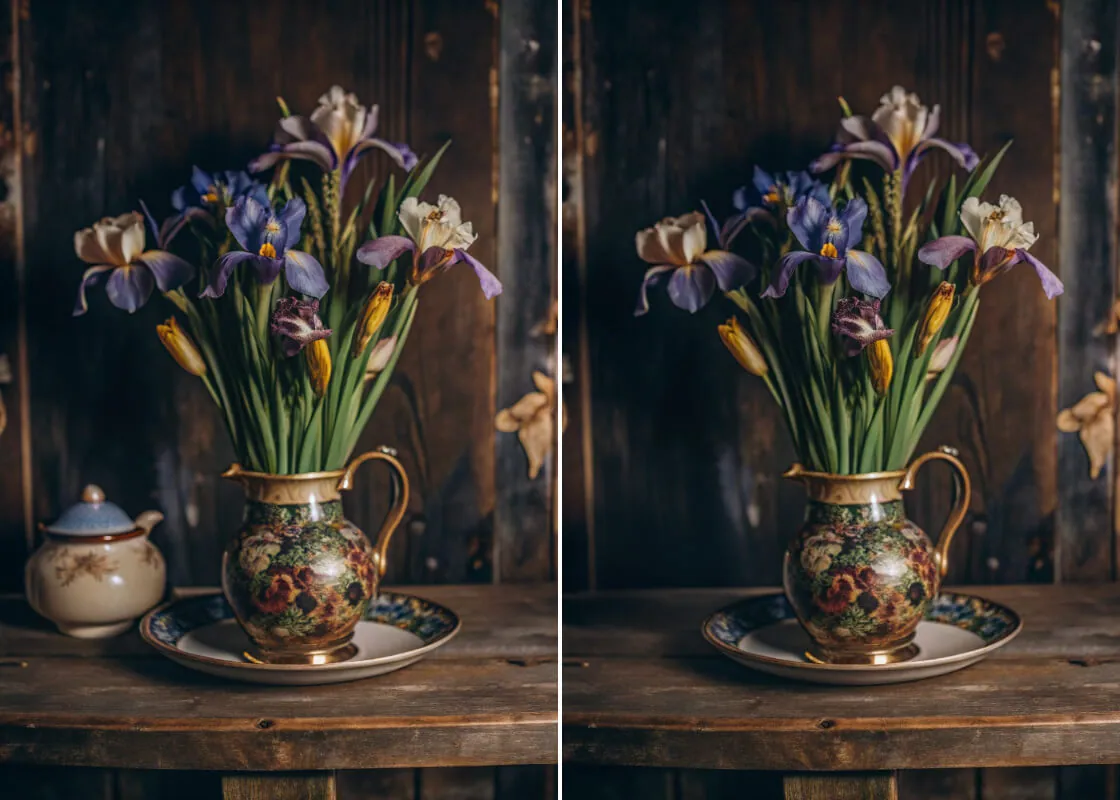
What each model is best at is on its own page: Nano Banana 2, Nano Banana, Nano Banana Pro, Flux, GPT Image 2 and Seedream.
Covering what a Picsart alternative like EditPic doesn't do
Leaving an all-in-one suite means planning for the gaps:
- Text and captions. GPT Image 2 can paint a short line of text into the picture. For full layouts with fonts and alignment, finish in a design tool.
- Stickers and collages. Edit the photo in EditPic first, then add stickers or build the collage elsewhere.
- Batches. You edit one photo at a time. To keep a set consistent, reuse the same model and the same sentence.
- Transparent cutouts. Not available. Ask for a solid background color that already matches your layout instead.
- Video. Coming soon, not available today.
How to switch from Picsart
- Download the projects and images you want to keep from Picsart's cloud storage.
- List the three edits you make most often.
- Write each one as a prompt in EditPic and run it on a photo you've already edited in Picsart.
- Compare both results at full size before you change your routine.
- Keep Picsart for design and video work if you still need it, or change your plan in Picsart's account settings; see their help center for the steps.
Also comparing other tools? See the remove.bg alternative and Photoroom alternative pages.
Frequently asked questions
What is a good Picsart alternative if I only edit photos?
If you mostly open Picsart to fix or restyle pictures, a focused editor such as EditPic may be enough: upload a photo, describe the change in a sentence, pick a model and download. You give up templates, stickers, fonts and video.
Are there apps like Picsart that work in a browser?
Picsart itself works on the web as well as on iOS, Android and Windows. EditPic runs only in the browser, on desktop or phone. Other apps like Picsart exist too, so compare which design and export tools you actually need.
Does EditPic have templates, stickers or video like Picsart?
No. EditPic has no templates, stickers, fonts or collage tools, and video is coming soon rather than available today. It focuses on editing the photo itself: backgrounds, objects, style, restoration and enhancement. If design assets are what you use most, look for a design-focused Picsart alternative instead.
How much does Picsart cost?
Picsart's own comparison page, which it says was last checked on September 16, 2026, lists Pro at $15 a month or $126 a year with 500 AI credits a month. Its pricing page showed us local-currency prices, so check their site for yours.
Can EditPic use the same AI models as Picsart?
Partly. Picsart's pricing page names Nano Banana and Seedream models among those it offers (Ultra lists 200+), and EditPic offers Nano Banana 2, Nano Banana Pro, Nano Banana, GPT Image 2, Seedream and Flux. EditPic's list is much shorter, but each one is picked for photo edits.
How do I recreate a Picsart effect or filter in EditPic?
Describe the look instead of picking it from a menu: name the era, colors, grain or medium, for example "a warm 1970s film look with soft grain". Ask for the subject to stay unchanged in the same sentence, and use Flux when several photos need the same style.
Can EditPic add text to a photo like Picsart?
Only inside the image, through a prompt. GPT Image 2 is the EditPic model to use when words must be readable, such as a short sign or one line on a poster. There are no font menus or text layers, so for full layouts keep using a design tool.
Can I edit photos on my phone without the Picsart app?
Yes. EditPic runs in a mobile browser, so you can upload from your camera roll, type the change and download the result without installing anything. There is no native app, and it handles one photo at a time.
Is there a free Picsart alternative?
Not an unlimited one. EditPic is free to sign up for, and each edit uses credits that depend on the model. Picsart itself has a free app, with free AI limits listed on its site. If you only need a few photo fixes a month, compare what each free start actually covers.
Is a prompt-based Picsart alternative easier for beginners?
Usually, for photo edits. EditPic has no menus or layers to learn: you type the change in plain words and compare the result with the original. Picsart offers far more tools, which pays off once you know them but takes longer to learn. For posters and layouts, Picsart remains the fuller tool.
Image to Image
Picsart is a trademark of its respective owner. EditPic is not affiliated with or endorsed by Picsart. Details checked in 2026-11.